Introdução
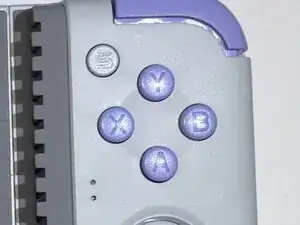
This guide explains how to replace the face buttons (A, B, X, Y) on the GameSir X2s Type-C Mobile Gaming Controller.
Face buttons are the primary action inputs used for jumping, attacking, confirming selections, and interacting with games. Replacing faulty face buttons restores reliable input and improves responsiveness during gameplay.
=== ===
Ferramentas

-
-
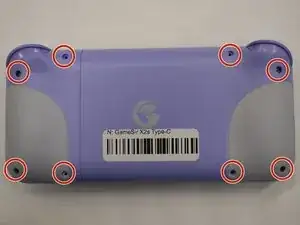
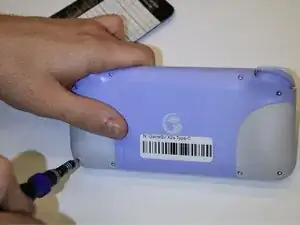
Use a 000 Phillips screwdriver to remove the following eight silver fine-thread 6mm screws.
-
Flip the controller upright.
-
-
-
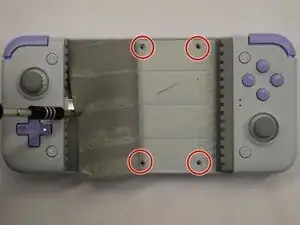
Remove the four silver fine-thread 4.5mm screws under the rubber grip using the 000 Phillips screwdriver.
-
Flip the GameSir X2s Type-C to the back.
-
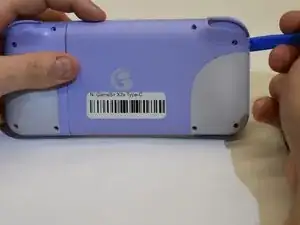
Using a prying tool around the lip, where both pieces of plastic meet, run that around the hold device.
-
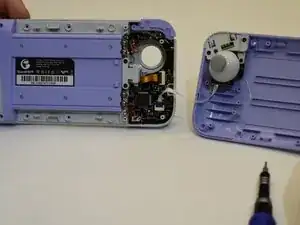
Pop off the plastic piece attached to the device.
-
-
-
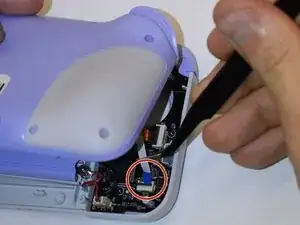
Remove the blue strip connected to the board.
-
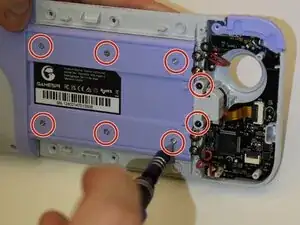
Remove six silver fine-thread 4.5mm screws and the two black fine-thread 4.5mm screws using a 000 Phillips screwdriver.
-
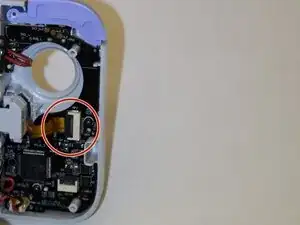
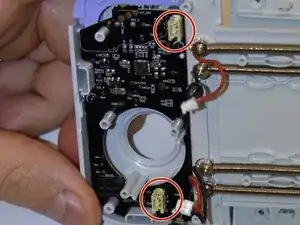
Remove the gold strip connected to the board.
-
-
-
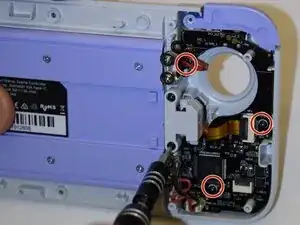
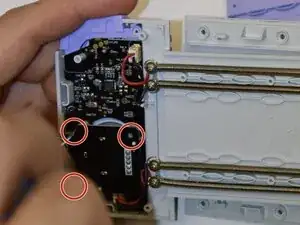
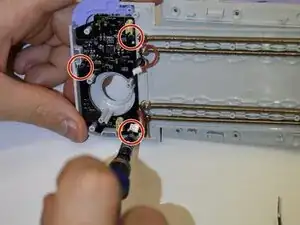
Remove the three black fine-thread 4.5mm screws using the 000 Phillips screwdriver.
-
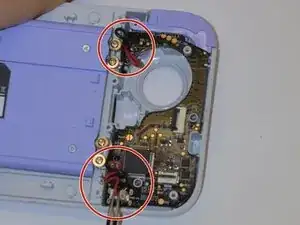
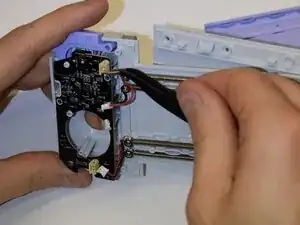
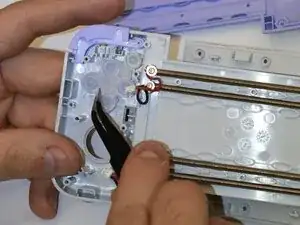
Remove the red and black wires from the board.
-
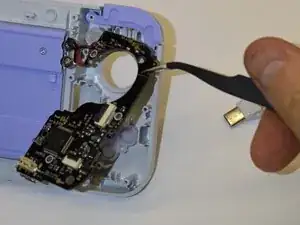
Remove the board from the GameSir X2s Type-C.
-
-
-
Remove the 3 black fine-thread 4.5mm screws from behind the right trigger using a 000 Phillips screwdriver.
-
Remove the 3 black fine-thread 4.5mm screws from the board using a 000 Phillips screwdriver.
-
Remove the red and black wires from the board.
-
To reassemble your device, follow these instructions in reverse order.
