Introdução
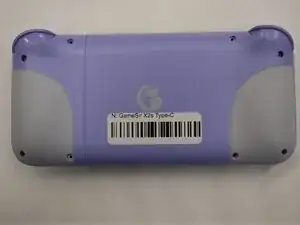
A guide on disassembling the GameSir X2s up to the electrical boards.
Ferramentas

-
-
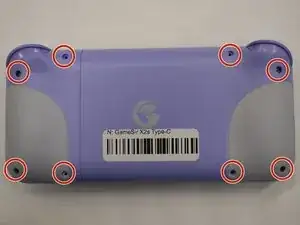
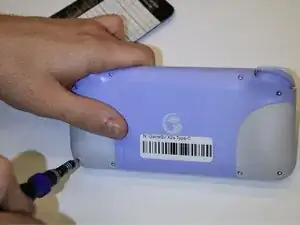
Use a 000 Phillips screwdriver to remove the following eight silver fine-thread 6mm screws.
-
Flip the controller upright.
-
-
-
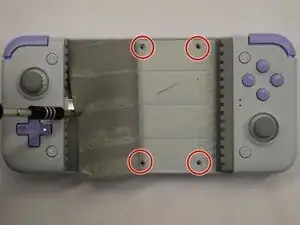
Remove the four silver fine-thread 4.5mm screws under the rubber grip using the 000 Phillips screwdriver.
-
Flip the GameSir X2s Type-C to the back.
-
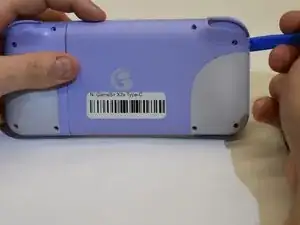
Using a prying tool around the lip, where both pieces of plastic meet, run that around the hold device.
-
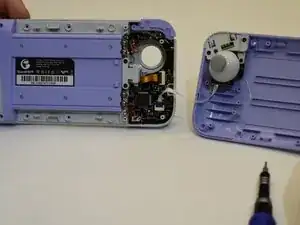
Pop off the plastic piece attached to the device.
-
-
-
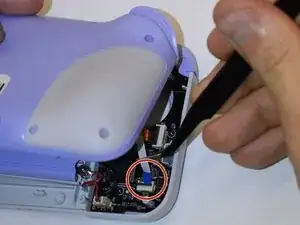
Remove the blue strip connected to the board.
-
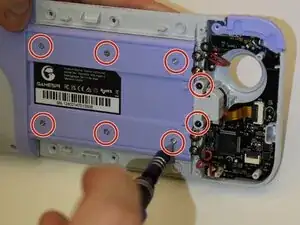
Remove six silver fine-thread 4.5mm screws and the two black fine-thread 4.5mm screws using a 000 Phillips screwdriver.
-
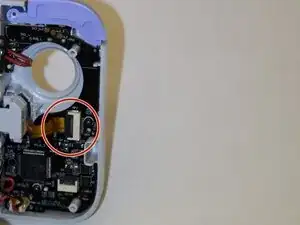
Remove the gold strip connected to the board.
-
-
-
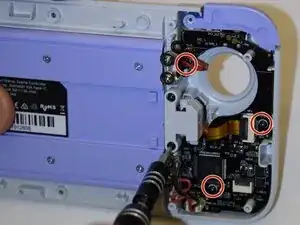
Remove the three black fine-thread 4.5mm screws using the 000 Phillips screwdriver.
-
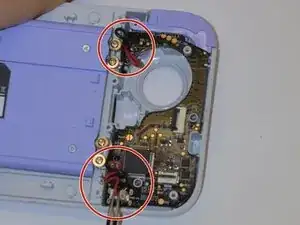
Remove the red and black wires from the board.
-
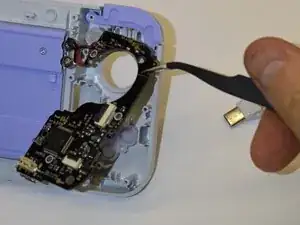
Remove the board from the GameSir X2s Type-C.
-
-
-
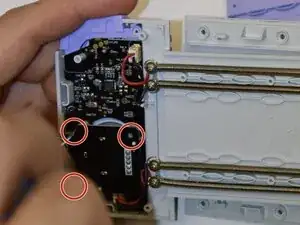
Remove the 3 black fine-thread 4.5mm screws from behind the right trigger using a 000 Phillips screwdriver.
-
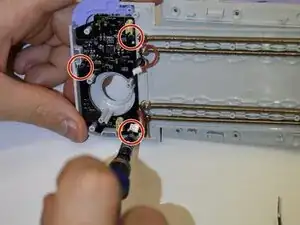
Remove the 3 black fine-thread 4.5mm screws from the board using a 000 Phillips screwdriver.
-
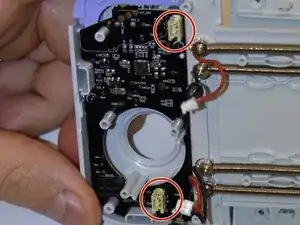
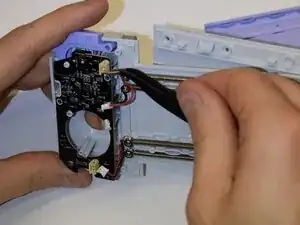
Remove the red and black wires from the board.
-
To reassemble your device, follow these instructions in reverse order.
