Introdução
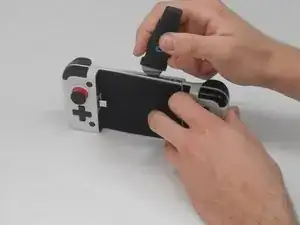
The USB-C Plug connects the mobile phone to the GameSir X2 Type-C and is the only source of connection from the mobile phone to the controller. GameSir designed the USB-C plug to pivot 51 degrees to prevent damage to mobile phone charging ports while inserting and removing the device.
If your phone fails to connect to the Gamesir X2 Type-C, the USB-C plug may need replaced. Follow this guide to replace the plug. Before replacing the plug, review the troubleshooting page. More than likely a bad connection can be fixed without replacing the USB-C plug.
Ferramentas


-
-
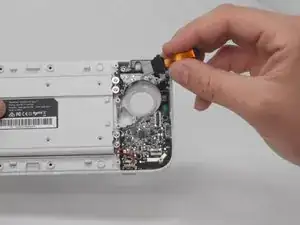
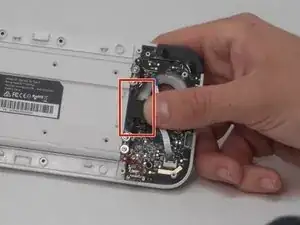
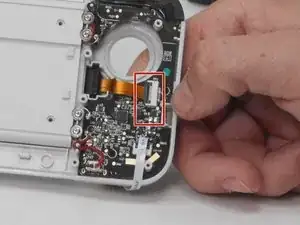
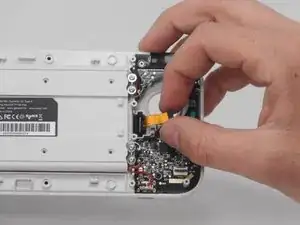
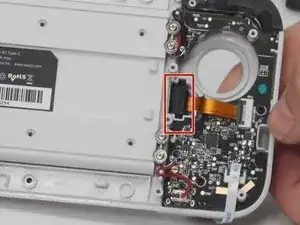
Identify where the ribbon wire connects to to the motherboard.
-
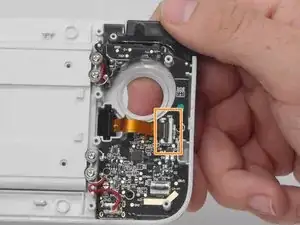
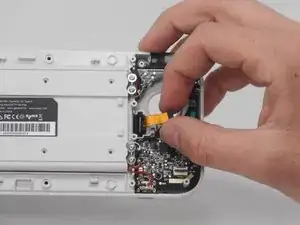
Flip the black locking ZIF flap holding the ribbon wire in place to the upward position.
-
Gently remove the ribbon cable away from the motherboard socket.
-
-
-
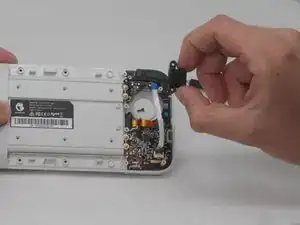
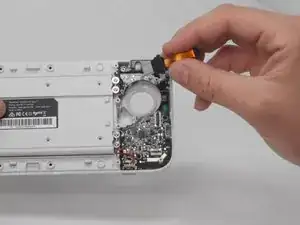
Once the cover is off of the plug and the ribbon wire is released from the flap, gently pull the USB-C plug away from the device.
-
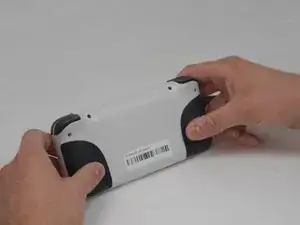
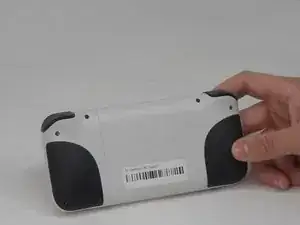
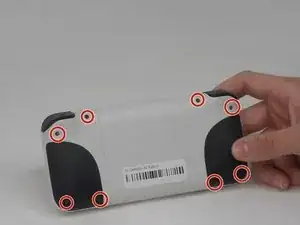
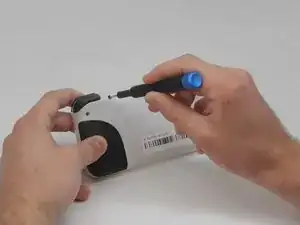
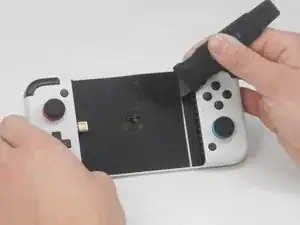
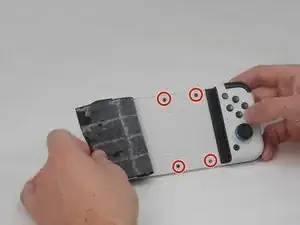
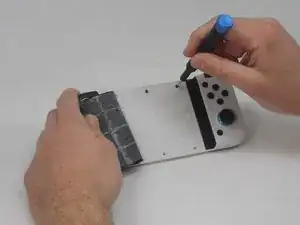
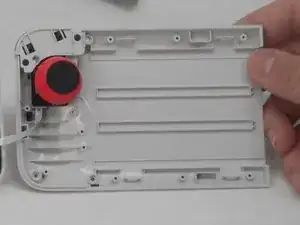
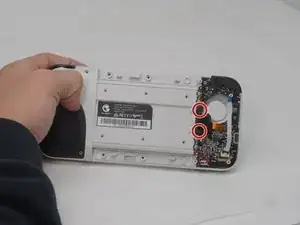
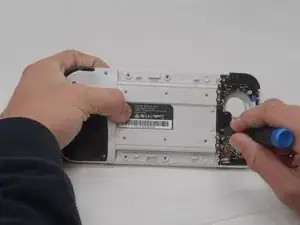
To reassemble your device, follow these instructions in reverse order.

5 comentários
Where do I find that type C plug? Can't find it, I really need help
Sabes donde?
I followed these exact instructions and it worked perfectly! Thank you very much!
However, i would need to find touch plug to replace the current one. A reply to the previous comment would be highly appreciated
Hello where I can find a replacement for type C please