Introdução
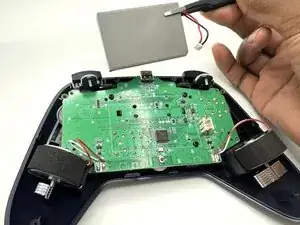
If your GameSir Nova Lite controller's battery is faulty or you want to extend its battery life, this guide will help you replace it. This process can take anywhere between 5 and 10 minutes and only requires a #2 Phillips head screwdriver, a iFixit Opening Tool, and tweezers. Before you begin, make sure that your controller is powered off.


-
-
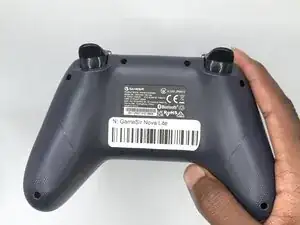
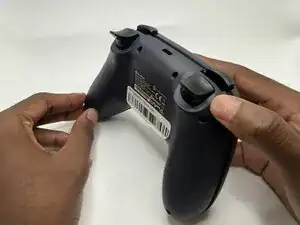
Turn your controller so that the back of the controller is facing you.
-
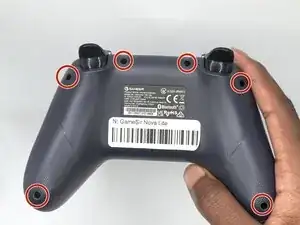
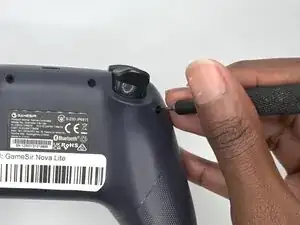
Remove all six 9 mm-long Phillips #1 screws securing the back plate.
-
-
-
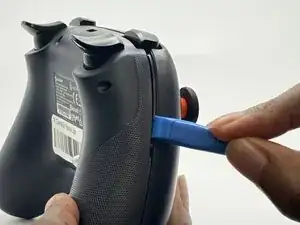
Insert an opening tool in the seam between the back and front case.
-
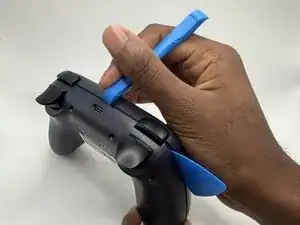
Insert iFixit Opening Picks around the controller to help keep the front and separated.
-
Slowly slide the tool around the controller until the two halves of the controller come apart.
-
-
-
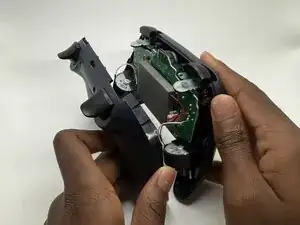
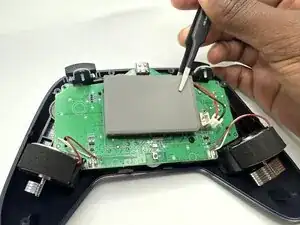
Lay the controller down so that the motherboard and battery are facing you.
-
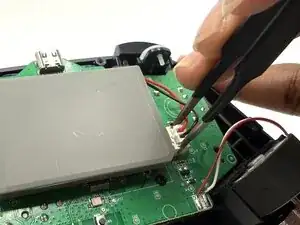
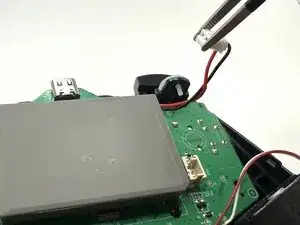
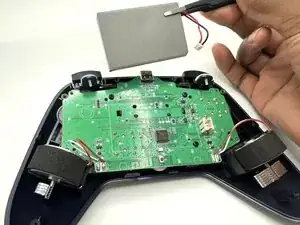
Grasp the white battery connector with blunt tweezers, and gently pull it out of its socket.
-
To reassemble your device, follow the above steps in reverse order.
Take your e-waste to an R2 or e-Stewards certified recycler.
Repair didn’t go as planned? Try some basic troubleshooting or ask our Answers community for help.