Introdução
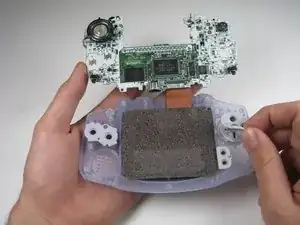
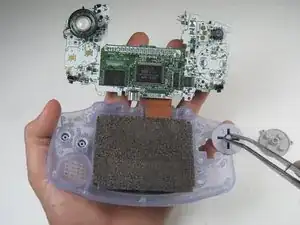
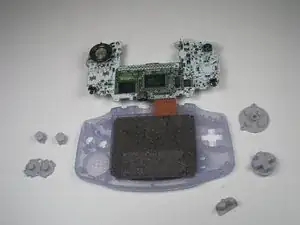
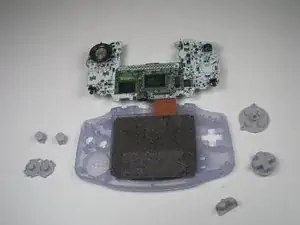
Use this guide to remove the buttons in your Game Boy Advance
Ferramentas


-
-
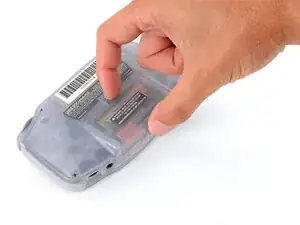
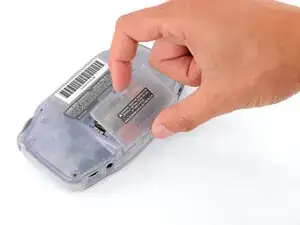
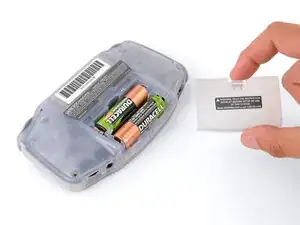
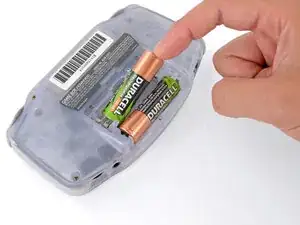
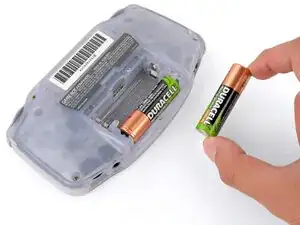
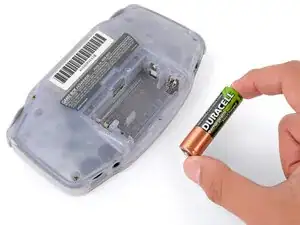
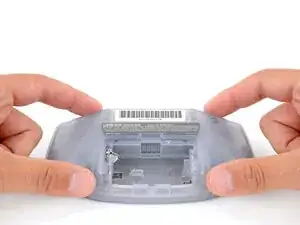
Release the battery cover tab with your finger and swing the cover away from your Game Boy to remove it.
-
-
-
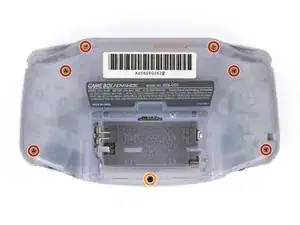
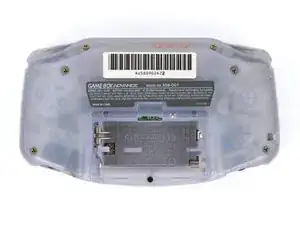
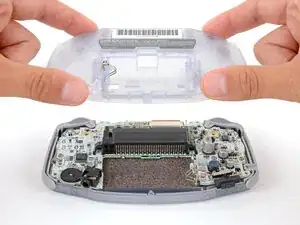
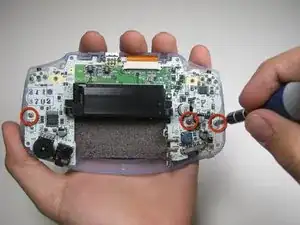
Remove the seven screws securing the back shell:
-
Six 9.4 mm‑long tri‑point Y0 screws
-
One 8.5 mm‑long JIS 1 screw
-
-
-
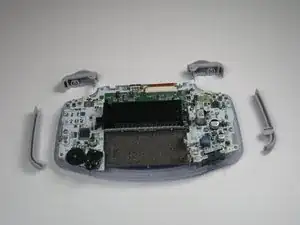
Remove left and right triggers by lifting and pulling them away from the system.
-
Do the same for side panels
-
-
-
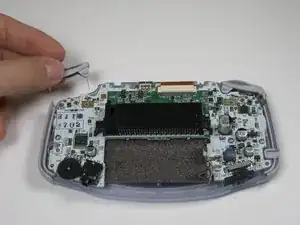
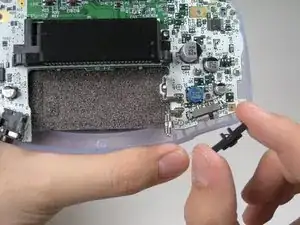
Remove the gray On/Off Switch by pulling up and away from the unit. Replace with another switch if necessary.
-
-
-
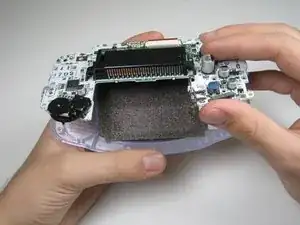
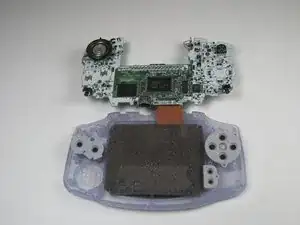
Pull circuit board away from the front panel by pulling up at the bottom of the circuit board, keeping the top ribbon still connected.
-