Introdução
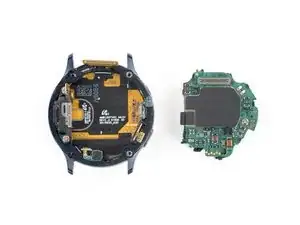
Use this guide to remove the core assembly in your Samsung Galaxy Watch Active2.


-
-
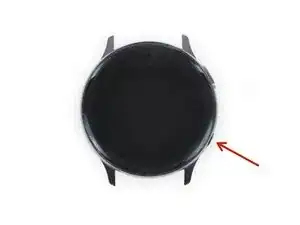
Turn off the Galaxy Watch Active2 by pushing and holding the bottom button for approximately 3 seconds. You should feel a short vibration.
-
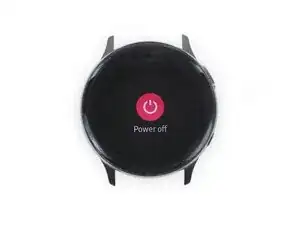
When the "Power off" symbol appears, tap the center of the screen to make it shut down. You should feel a longer vibration for confirmation.
-
-
-
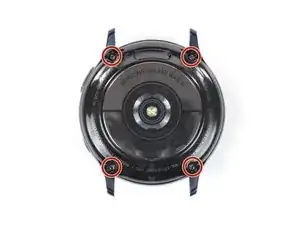
Use a Tri-point Y00 screwdriver to remove the four 4 mm-long screws on the back of the watch.
-
-
-
Use an opening pick and place it between the plastic back cover and the metal housing near the buttons.
-
Push the opening pick into the gap to separate the back cover from the housing.
-
-
-
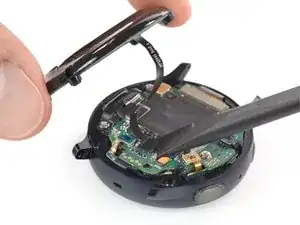
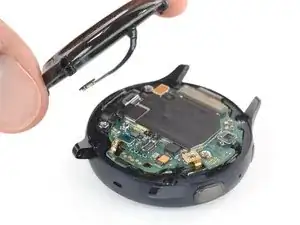
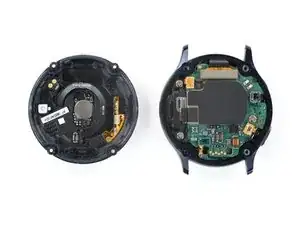
Carefully lift the back cover to access the sensor array connector.
-
Use a spudger to disconnect the sensor array from the motherboard.
-
-
-
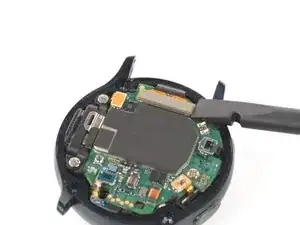
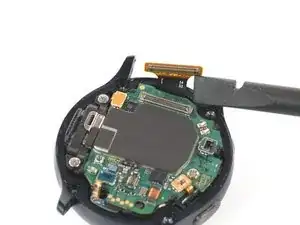
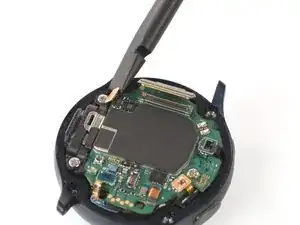
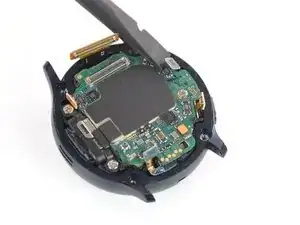
Place a spudger underneath the motherboard at the top right next to the display connector.
-
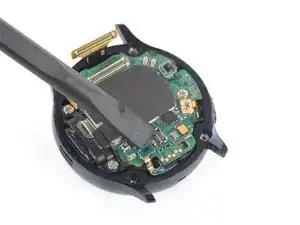
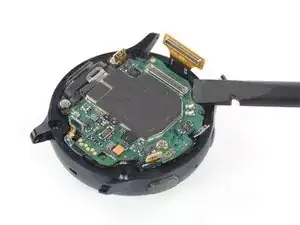
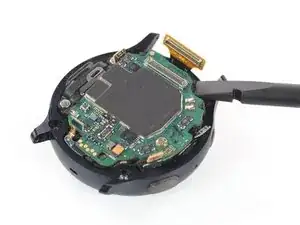
Slightly twist and lever the spudger to loosen the core assembly.
-
-
-
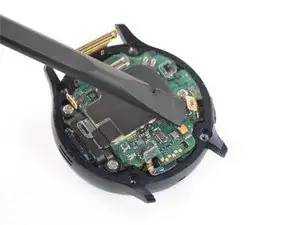
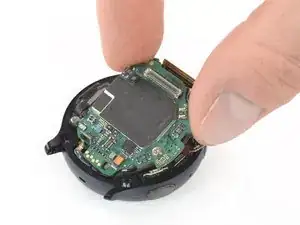
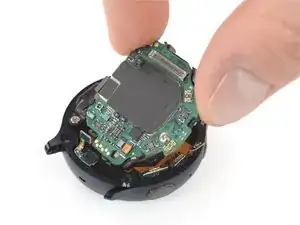
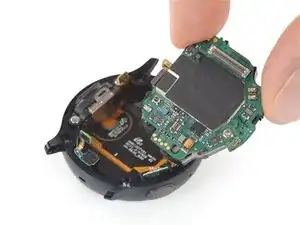
Grab the core assembly and carefully slide it out from under the cables.
-
Remove the core assembly.
-



To reassemble your device, follow these instructions in reverse order.

How can you power off the device without being able to interact with or see the broken display you're fixing?
Dylan Hill -