Introdução
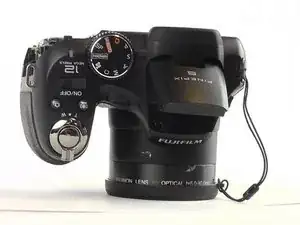
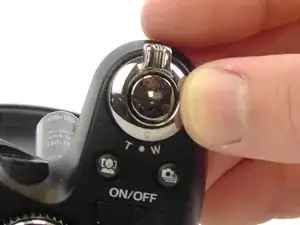
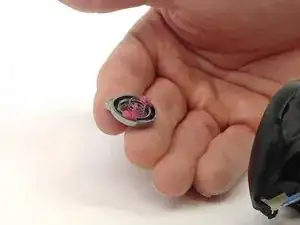
Is the button to take a photo on your Fujifilm Finepix S1800 jammed or broken? This guide will show you step by step on how to replace the jammed or broken button.


-
-
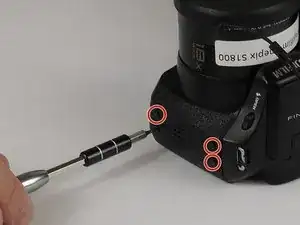
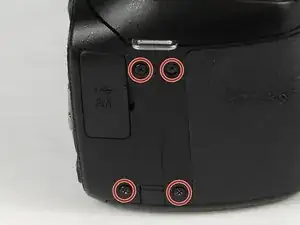
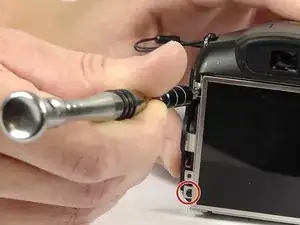
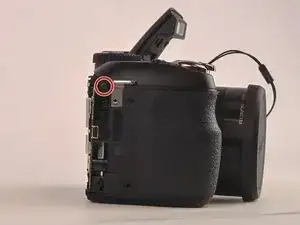
Unscrew the four 4mm screws on the left-hand side of the camera with the JIS #1 screwdriver.
-
-
-
Unscrew the four 4mm screws on the right-hand side of the camera with the JIS #1 screwdriver.
-
-
-
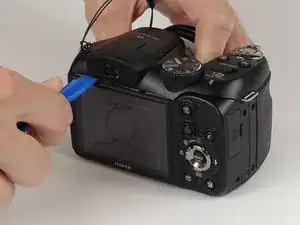
Take the plastic opening tool and place it in the space between the top of the screen and the top of the camera.
-
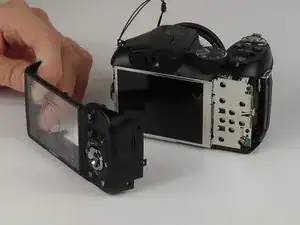
The cover will pop out.
-
-
-
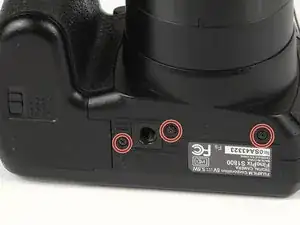
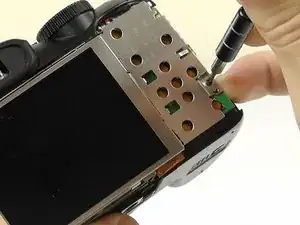
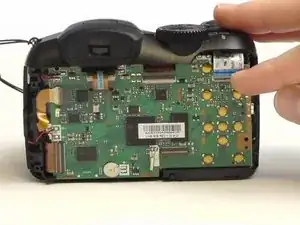
Remove the three 2 mm screws from the back cover plate with the Phillips #000 screwdriver.
-
Gently lift the back cover away from the device.
-
-
-
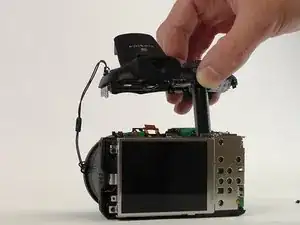
Lift the flash.
-
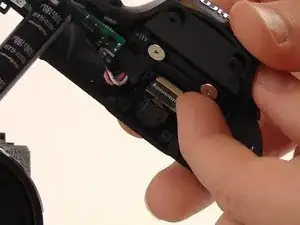
Remove the two 4 mm screws from the top of the camera with the JIS #1 screwdriver.
-
-
-
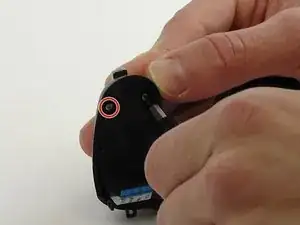
Remove the 4 mm screws from the left and right sides of the camera with the JIS #1 screwdriver.
-
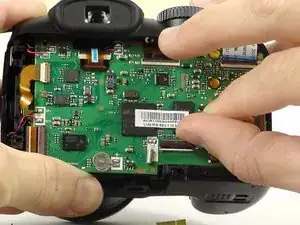
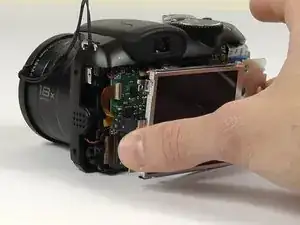
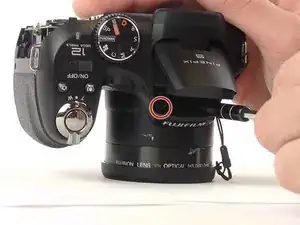
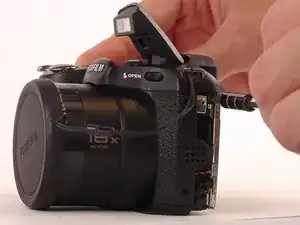
To reassemble your device, follow these instructions in reverse order.

2 comentários
CAUTION! Different hardware versions! Following this guide might destroy your camera!
My S1800 had LCD not screwed to the body, but glued to the back cover. At the step 4 it came off together with the cover, destroying the ribbon cable, which is really short and fragile.
AntonG -
Step 10, second picture. Do not attempt to remove the ribbon from inside the top cover; instead, remove it from the main circuit board on the body.