Introdução
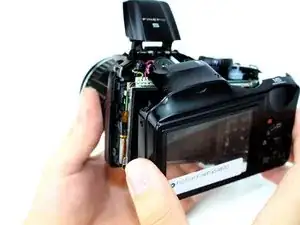
It happens to best of us. Your device hits the floor and now the case is damaged. Don't panic, because all you need are a screwdriver and a tool to remove the plastic case and you can replace this component very easily.
Ferramentas


-
-
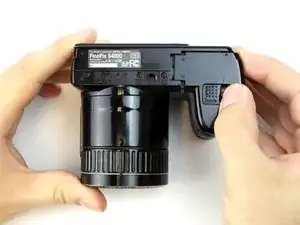
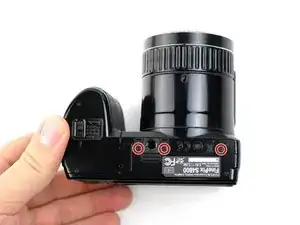
Rotate the camera so that the label on the base of the camera is facing up.
-
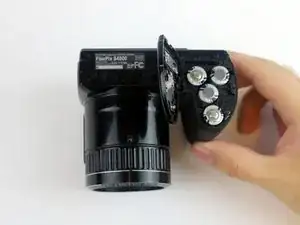
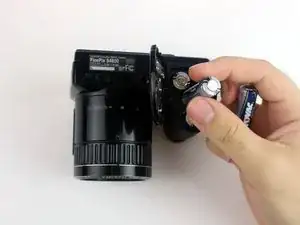
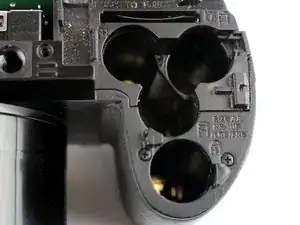
On the battery compartment door, there is a slider that says "open". Slide it down and push the door to the right to release the door.
-
-
-
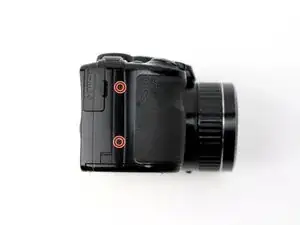
Rotate the camera so that the HDMI port is facing up.
-
Remove the two 5.0 mm JIS #000 screws.
-
-
-
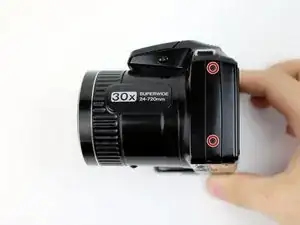
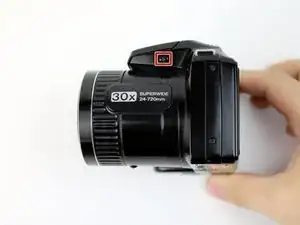
Rotate the camera so that the text "30x superwide 24-720mm" is facing up.
-
Remove the two 5.0 mm JIS #000 screws.
-
-
-
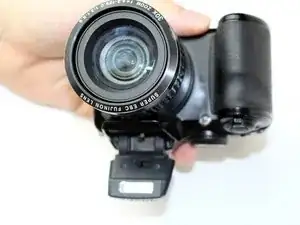
Press the pop-up button highlighted in the picture to release the flash mechanism.
-
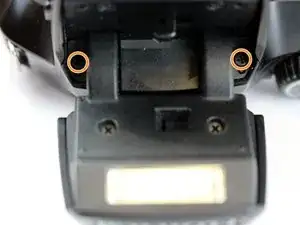
Remove the two 5.0 mm JIS #000 screws highlighted in the picture.
-
-
-
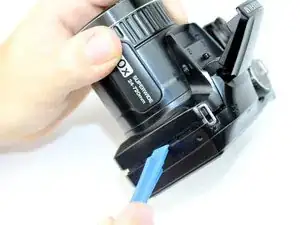
Use a plastic opening tool to separate the rear case from the camera on each of the sides until the panel is completely separated.
-
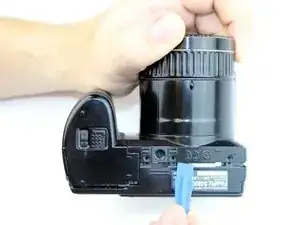
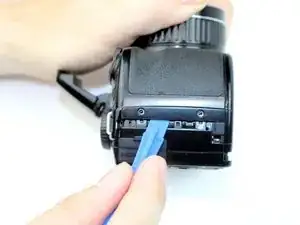
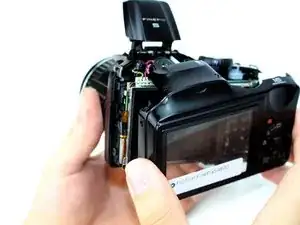
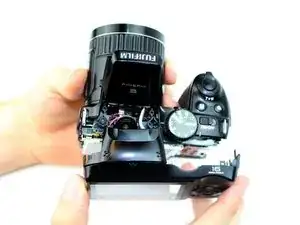
To reassemble your device, follow these instructions in reverse order.

2 comentários
hey, can you show how to remove the lense from this camera, please!!
hey, can you please show how to remove the lens from this camera. thanks