Introdução

  1. YI4MkxgHJEVDnvKc
    YI4MkxgHJEVDnvKc
    qsqjVRa1IW6MVQ1N
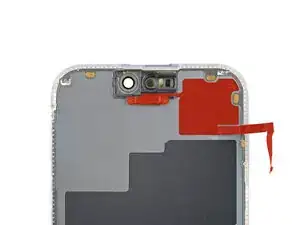
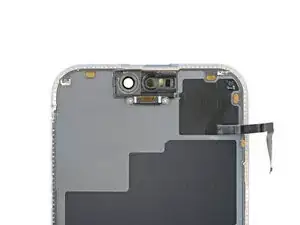
    • Check if your new screen comes with an ambient light sensor installed.

    • If it doesn't, follow the remaining steps to remove and transfer the sensor from your original screen to your replacement.

  2. lDTnJB1PCujVYwid
    lDTnJB1PCujVYwid
    JURcIccHNPhfvgs4
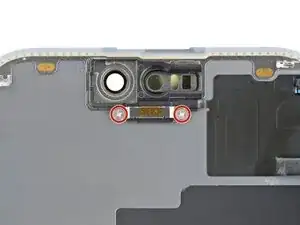
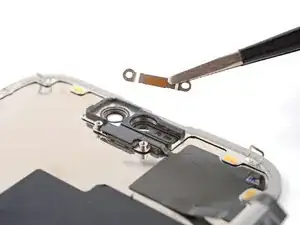
    • Use a Phillips #000 driver to remove the two screws securing the ambient light sensor cover.

  3. NIPySTB1ILDd6RDA
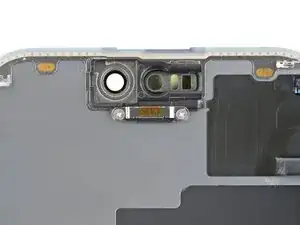
    • Remove the ambient light sensor cover.

  4. 6MdAgx2ShWy4JAVJ
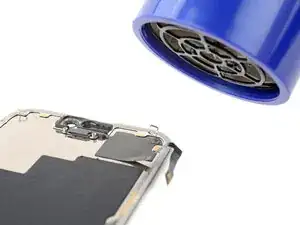
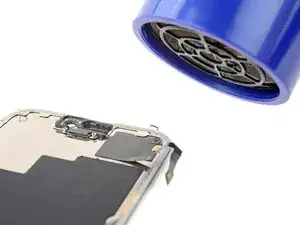
    • Be careful not to overheat the screen—the plastic components can melt if they get too hot.

    • Use a hair dryer or heat gun to heat the ambient light sensor until it's warm to the touch.

  5. LrPRHJANERThZNXZ
    LrPRHJANERThZNXZ
    XVA4TiWwCFMpOU5j
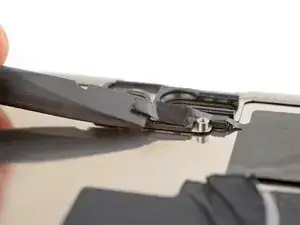
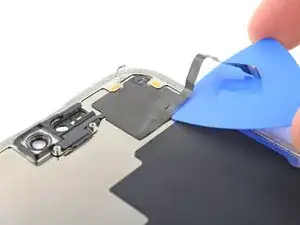
    • Be very gentle handing the ambient light sensor, as its cable is extremely fragile.

    • use the flat end of a spudger to gently lift the ambient light sensor out of its enclosure.

  6. wFE1yMkBLcLbWhUc
    • By this point, the sensor has likely cooled down.

    • Apply more heat until the entire glued down part of the sensor is warm to the touch.

  7. WJGsQg2vNulLGVnX
    WJGsQg2vNulLGVnX
    CxTxjYuG26OdiDNJ
    4vHKOGroahSNGIM1
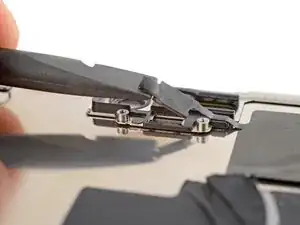
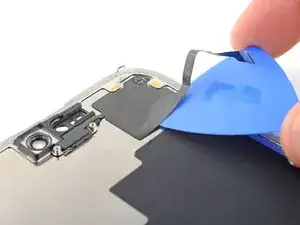
    • Insert the tip of an opening pick under the bottom right corner of the sensor.

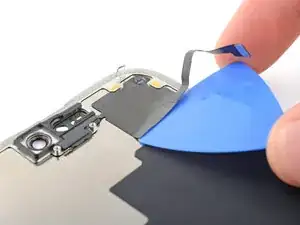
    • Slide the pick under the sensor and lift until you can grip it with your fingers.

  8. kUcn6EBZkdhSWKoU
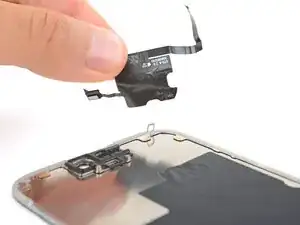
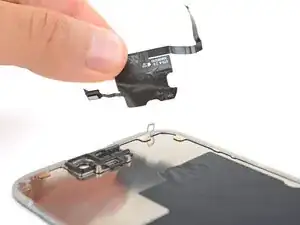
    • Use your fingers to slowly peel up and remove the sensor.

Spencer Day

Membro desde: 14/09/22

165254 Reputação

0 comentários