Introdução
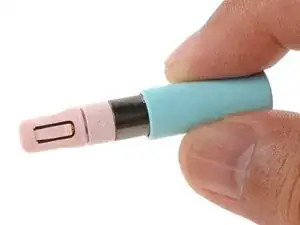
Follow this guide to remove and replace the battery in your Framework Laptop 12 Stylus.
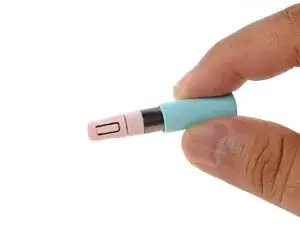
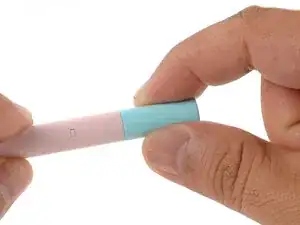
The Stylus battery is in the rear cap of the Stylus. To replace the battery, you'll replace the entire cap.
Ferramentas


-
-
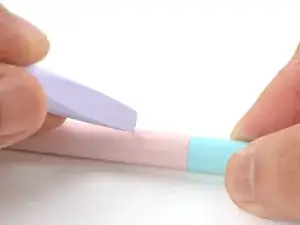
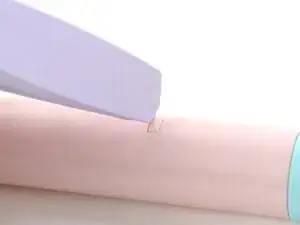
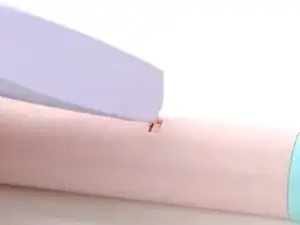
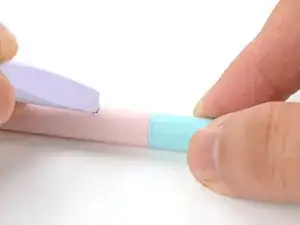
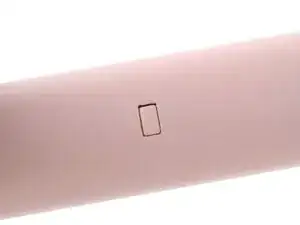
Use the corner of your Framework Screwdriver or a small pin to depress the small rectangular battery clip on the barrel of the Stylus, near the cap.
-
-
-
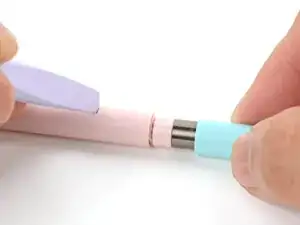
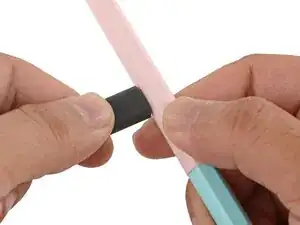
As you depress the clip, use your fingers to pull the battery straight out of the back of the Stylus to remove it.
-
-
-
To install the replacement battery:
-
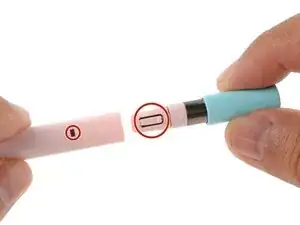
Align the battery clip with its barrel cutout.
-
Slide the battery into the Stylus until you hear a click. You should feel very little resistance.
-
-
-
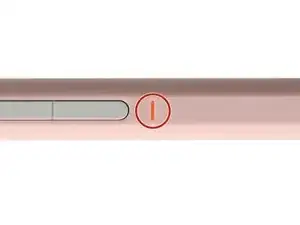
Plug the Stylus into your Framework Laptop 12 or a USB power source to bring the battery out of ship mode.
-
Once the LED lights up, unplug the Stylus. It's now ready for use!
-
Take your e-waste to an R2 or e-Stewards certified recycler.
If you need help, contact Framework support.

Um comentário
Will there be color matching batterys in the furture?