Introdução
Heatsink installation prereq guide
Used in the thermal repaste technique guide


-
-
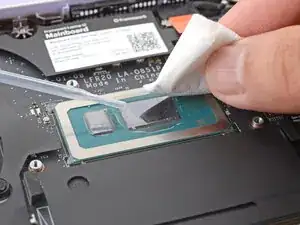
Use a few drops of high concentration (>90%) isopropyl alcohol and a lint-free cloth to wipe away the remaining residue.
-
-
-
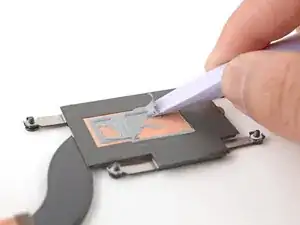
Use the flat end of your Framework Screwdriver to scrape and remove the thermal compound residue from the heatsink.
-
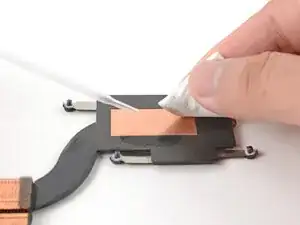
Use a few drops of high concentration (>90%) isopropyl alcohol and a lint-free cloth to wipe away the remaining residue.
-
-
-
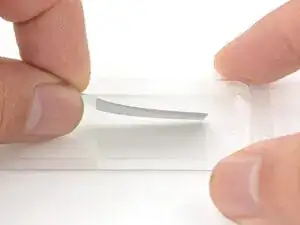
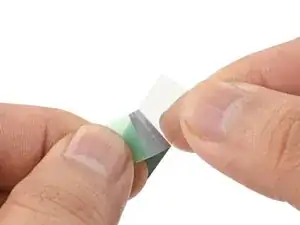
Use your fingers to carefully remove the thermal pad and liners from its container.
-
Peel the stiffer, clear liner away from the thermal pad.
-
-
-
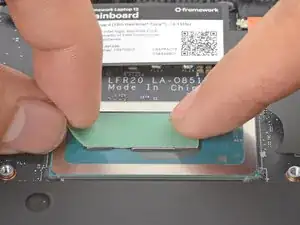
Place the thermal pad over the processor, making sure it covers both raised blocks.
-
Use your fingers to press the thermal pad onto the processor blocks.
-
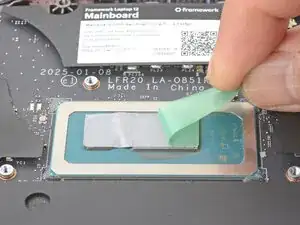
Peel the colored liner away from the thermal pad.
-
Skip the next step.
-
-
-
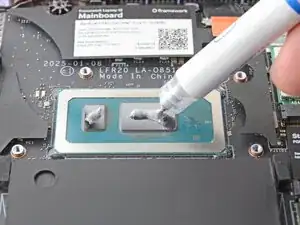
Apply a small bead of thermal paste to the small processor rectangle.
-
Apply a small line of thermal paste to the larger processor rectangle.
-
-
-
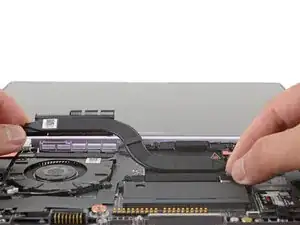
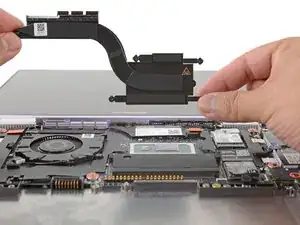
Carefully align and lay the heatsink over the processor.
-
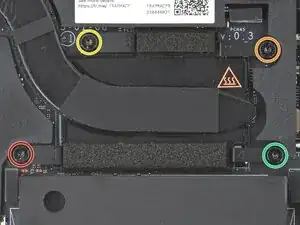
Use your Framework Screwdriver to gradually tighten the heatsink screws in the marked order until they're snug:
-
First screw
-
Second screw
-
Third screw
-
Fourth screw, then back to the first
-