Introdução
-
-
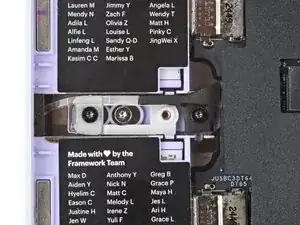
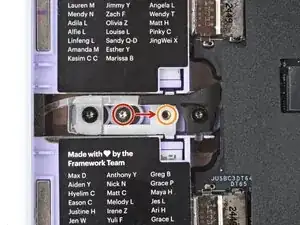
For the left side, use your Framework Screwdriver to remove the silver lock screw from its holding post between the Expansion Card slots.
-
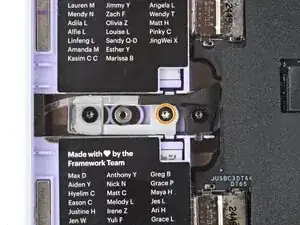
Install the screw into the screw hole to the right of the post.
-
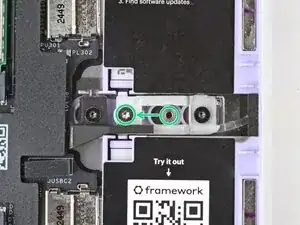
Repeat the procedure on the right side to lock the right Expansion Cards.
-
Conclusão
To reassemble your device, follow these instructions in reverse order.
