Introdução
-
-
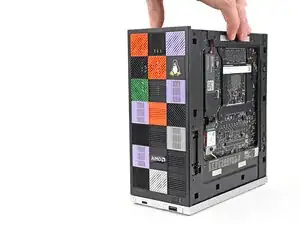
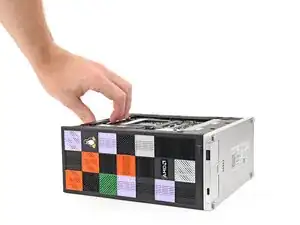
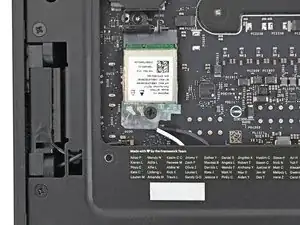
Lay the left side of the Desktop on your work surface so the underside of the Mainboard is facing upward.
-
-
-
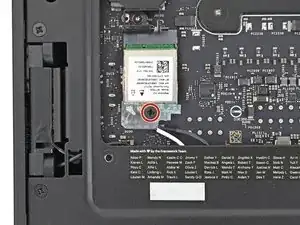
Use your Framework Desktop Screwdriver to remove the 7.0 mm‑long Phillips screw securing the Wi-Fi module.
-
-
-
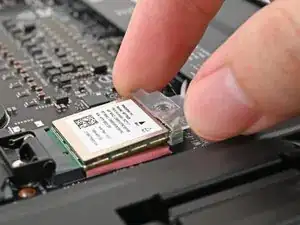
Use your fingers to slide the Wi-Fi module cover straight off the bottom of the module.
-
Remove the cover.
-
-
-
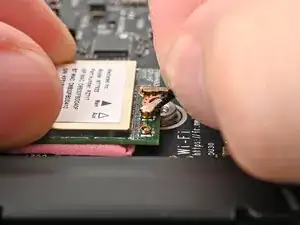
Press and hold the Wi-Fi module down with your fingers.
-
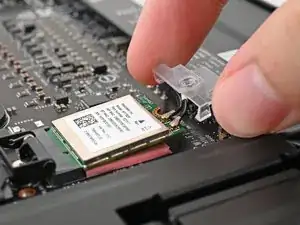
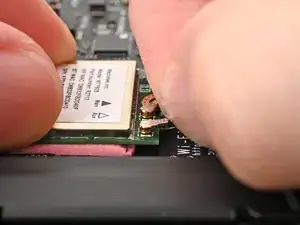
Use your fingers to grip the white antenna cable, as close to the metal head as possible.
-
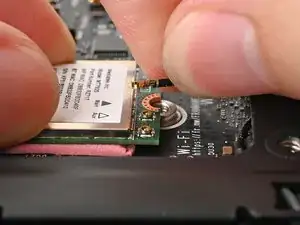
Gently lift the connector straight up to disconnect the white antenna cable.
-
Repeat the procedure with the black antenna cable.
-
-
-
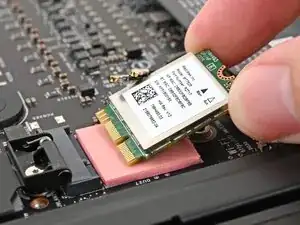
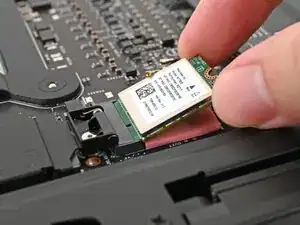
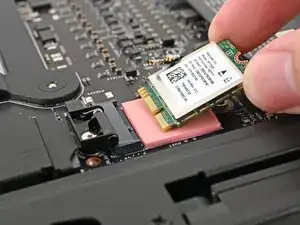
Grip the Wi-Fi module by its edges and pull it straight out of its socket.
-
Remove the Wi-Fi module.
-
To reassemble your device, follow these instructions in reverse order.
