Introdução
-
-
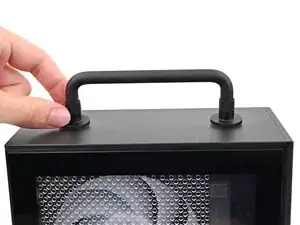
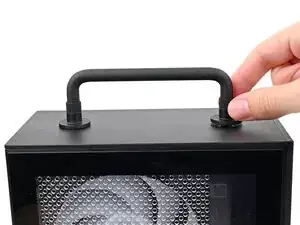
Rotate the Handle's screw threads counterclockwise on both sides until it comes free.
-
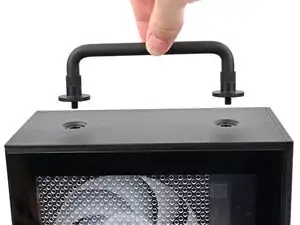
Remove the Handle.
-
-
-
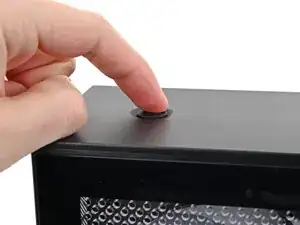
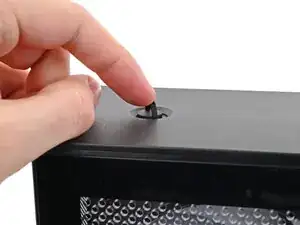
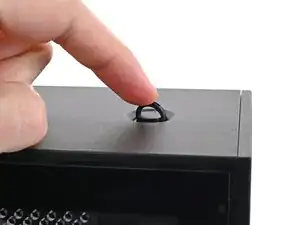
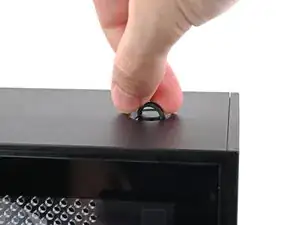
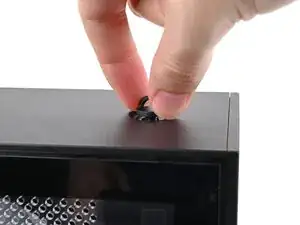
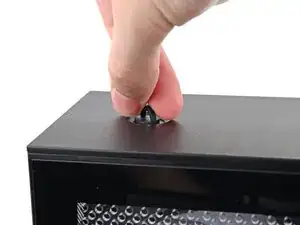
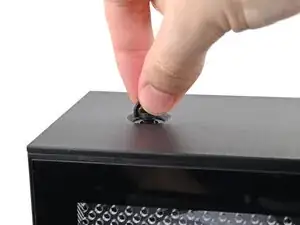
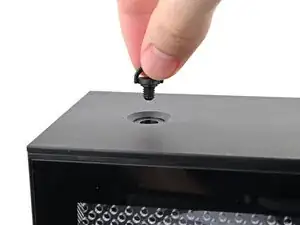
Use your fingers to twist the screw counter-clockwise and loosen it.
-
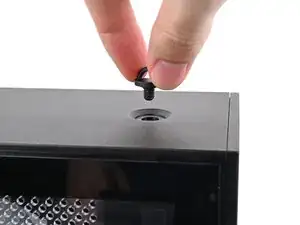
Remove the Top Panel screw.
-
-
-
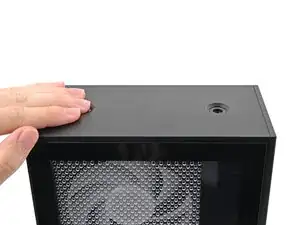
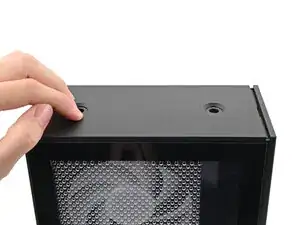
Slide the Top Panel towards the rear of the computer to release the clips securing it to the chassis.
-
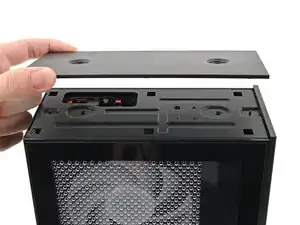
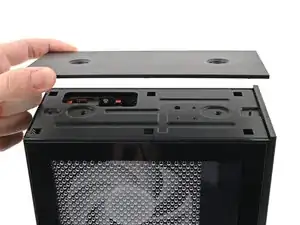
Lift the Top Panel off the chassis and remove it.
-
Conclusão
To reassemble your device, follow these instructions in reverse order.
