Introdução
-
-
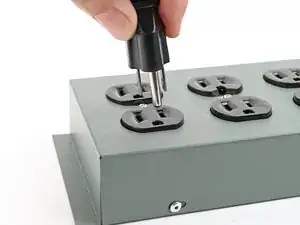
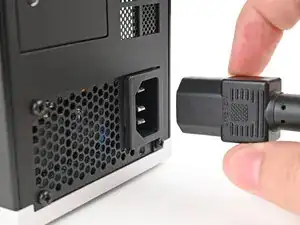
Before you begin repairs, shut down your Desktop from the operating system and unplug it.
-
Wait one minute before continuing to allow your Desktop to fully power down.
-
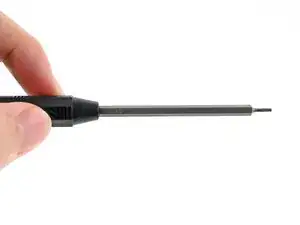
Make sure your Framework Desktop Screwdriver has the T5 Torx bit (labeled as T5) facing outwards. If it's not, pull the bit out and flip it.
-
Conclusão
To reassemble your device, follow these instructions in reverse order.
