Introdução
-
-
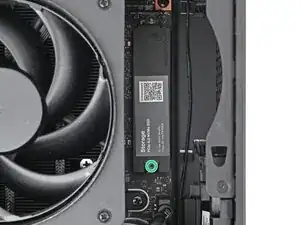
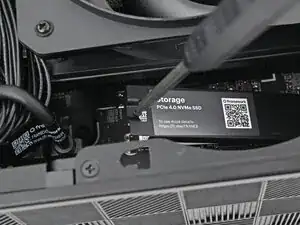
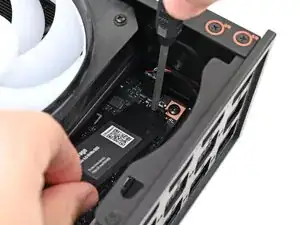
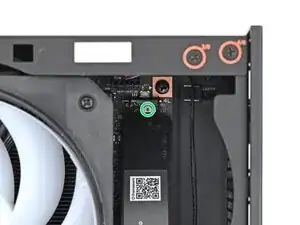
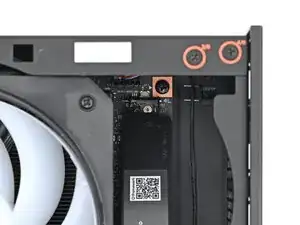
Use your Framework Desktop Screwdriver to loosen the captive T5 Torx screw securing the SSD.
-
-
-
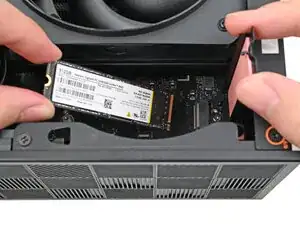
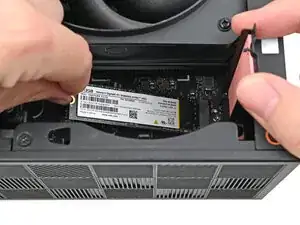
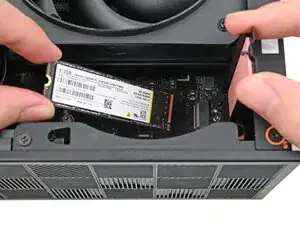
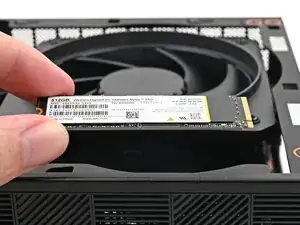
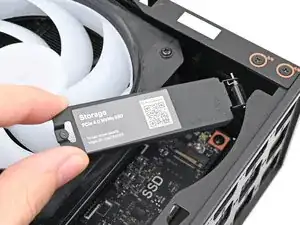
While holding the heat spreader upright, grab the SSD by its edges and pull it out of its socket.
-
Remove the SSD.
-
-
-
While securing the primary storage heat spreader with one hand, use your Framework Desktop Screwdriver to remove the 4.5 mm‑long T5 Torx screw securing it.
-
-
-
Lift the primary storage heat spreader out of the Desktop and remove it.
-
Follow the guide normally, making sure to ignore instructions that involve the primary storage heat spreader.
-
Conclusão
To reassemble your device, follow these instructions in reverse order.
