Introdução
-
-
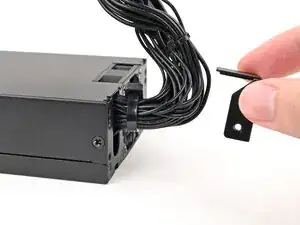
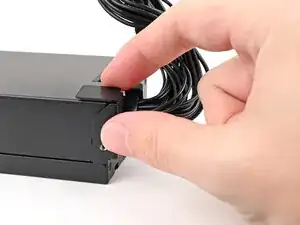
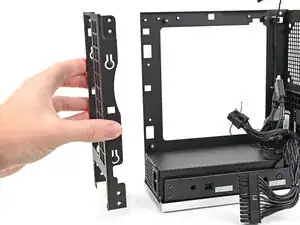
Use your Framework Desktop Screwdriver to Install the 5.8 mm‑long Phillips screw securing the mounting bracket.
-
-
-
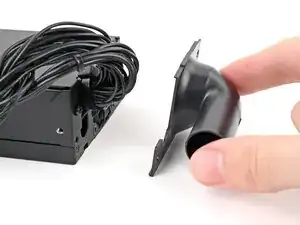
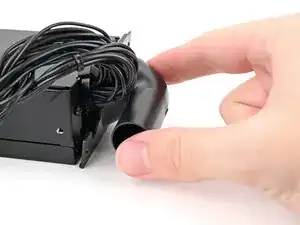
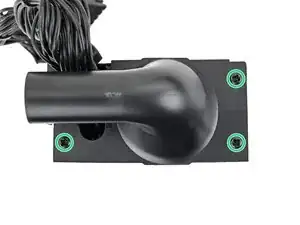
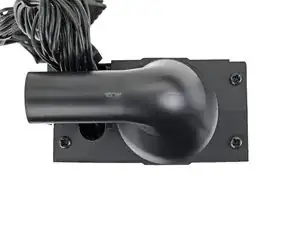
Use your Framework Desktop Screwdriver to Install the three 5.8 mm‑long Phillips screws securing the Power Supply Duct.
-
-
-
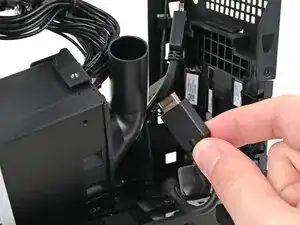
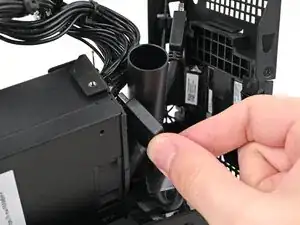
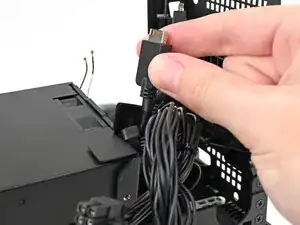
Thread the right Expansion card cable through the gap between the power supply and its duct.
-
-
-
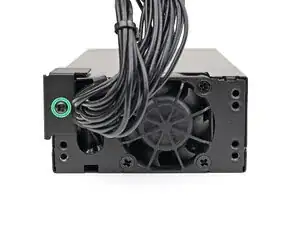
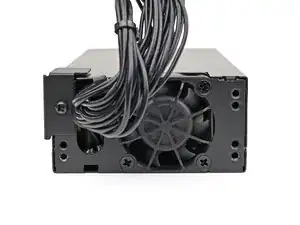
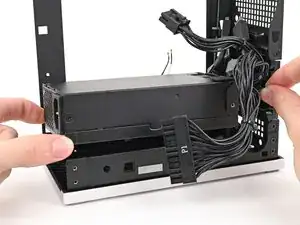
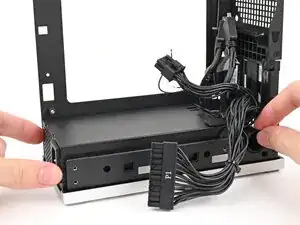
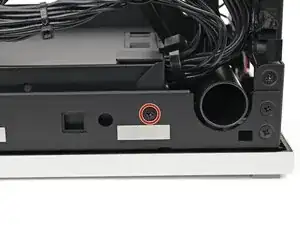
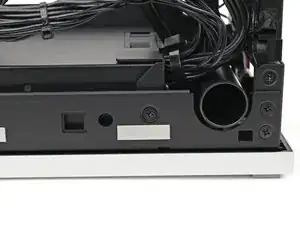
Use your Framework Desktop Screwdriver to install the 4.0 mm‑long Phillips screw securing the power supply.
-
-
-
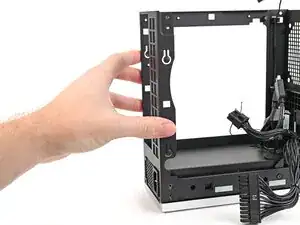
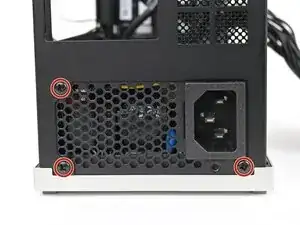
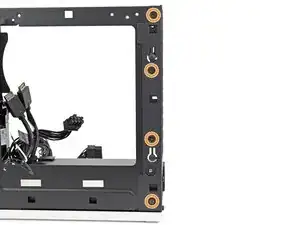
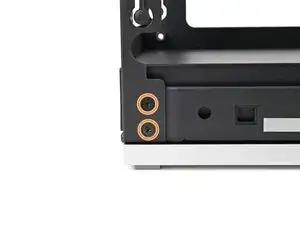
Use your Framework Desktop Screwdriver to install the three 5.9 mm‑long Phillips screws securing the power supply.
-
If you removed the rear plate, install the six 4.0 mm‑long screws securing the rear plate.
-
Conclusão
To reassemble your device, follow these instructions in reverse order.
