Introdução

  1. fOCywU5MySFRbHQt
    fOCywU5MySFRbHQt
    TA1VqfxggqBfLBoI
    w3k1VBAAtLFSsp2D
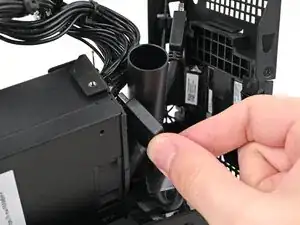
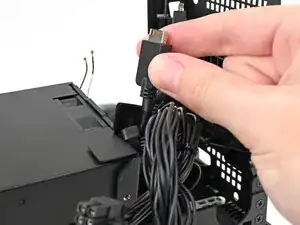
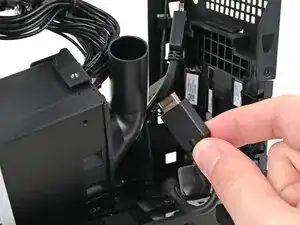
    • Thread the right Expansion card cable through the gap between the power supply and its duct.

  2. owwMaijUch3j5shg
    owwMaijUch3j5shg
    YwFvtLRx4YKJBwGZ
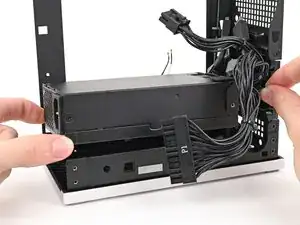
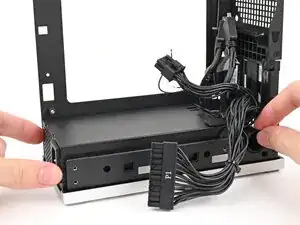
    • Place the power supply into its slot in the bottom of the Desktop.

  3. KpTGyD6HFL1Yk2nv
    KpTGyD6HFL1Yk2nv
    aYgMxQyf5Ku4PKAm
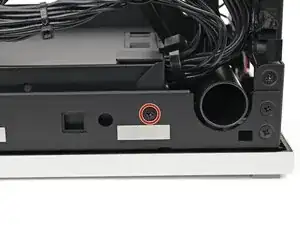
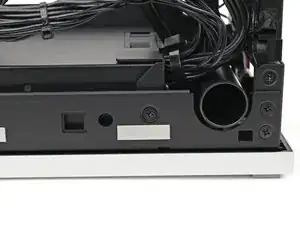
    • Use your Framework Desktop Screwdriver to install the 4.0 mm‑long Phillips screw securing the power supply.

  4. Bo5lhBZOuThlHbeV
    Bo5lhBZOuThlHbeV
    KHlvI41ZKyU3Pmvv
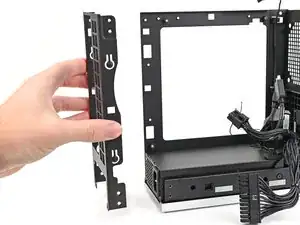
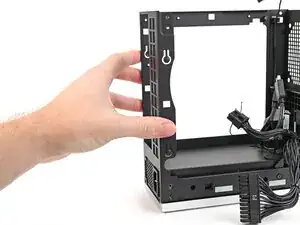
    • If you didn't remove the rear plate, skip this step.

    • Place the rear plate onto the back of the Desktop.

  5. UHUgr2F6sIQk216F
    UHUgr2F6sIQk216F
    dImFSS3Rd2NfHFDK
    BQMCwQvIcSklBLB6
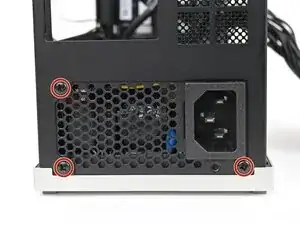
    • Use your Framework Desktop Screwdriver to install the three 5.9 mm‑long Phillips screws securing the power supply.

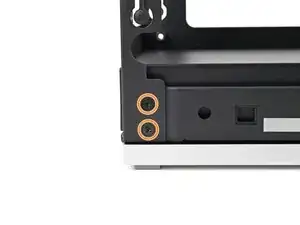
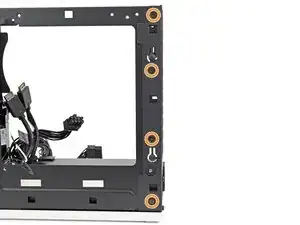
    • If you removed the rear plate, install the six 4.0 mm‑long screws securing the rear plate.

Conclusão

To reassemble your device, follow these instructions in reverse order.

Alex Diaz-Kokaisl

Membro desde: 16/01/22

227430 Reputação

0 comentários