Introdução

  1. gpu6VmcHIIU5DUt6
    gpu6VmcHIIU5DUt6
    FAuUWyfltL4fWqLc
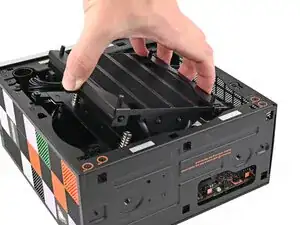
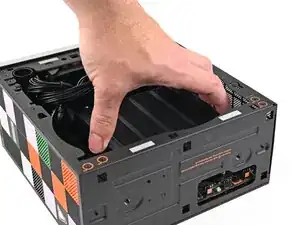
    • Tilt the heatsink down towards the rear of the Desktop and place it into its slot on the Mainboard.

    • Only grab the heatsink by its left and right edges (the edges facing the back I/O ports and the Primary SSD). If you grab the other edges, you risk bending the heatsink fins.

  2. ecLYhClLT5bWQLlJ
    ecLYhClLT5bWQLlJ
    rRDQOwuYsbaAXHvK
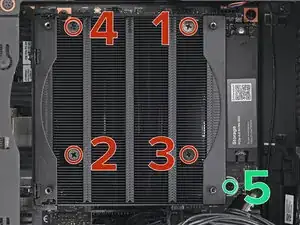
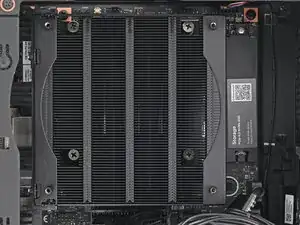
    • Use your Framework Desktop Screwdriver to tighten the four captive Phillips screws securing the heatsink in an "X" pattern starting with the top right screw.

    • Only tighten the screws a few turns at a time to evenly compress the APU and thermal pads.

    • In order: top right → bottom left → bottom right → top left

    • Use your Framework Desktop Screwdriver to tighten the captive Phillips screw jutting out under the Primary Storage.

Conclusão

To reassemble your device, follow these instructions in reverse order.

Alex Diaz-Kokaisl

Membro desde: 16/01/22

227430 Reputação

0 comentários