Introdução

  1. wEhLOXHCgwFoKyo3
    wEhLOXHCgwFoKyo3
    IHGvuALdL63e3s55
    IcYGDriQUKOPpRBY
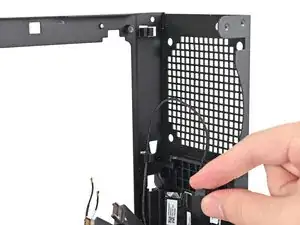
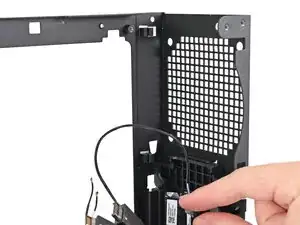
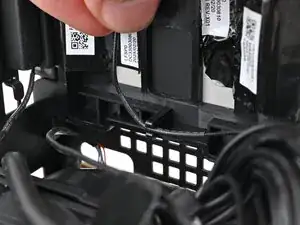
    • Pull the power button cable out of its rubber clips on the chassis.

  2. I5i5XeQLqIDeEjY6
    I5i5XeQLqIDeEjY6
    ZKRDACFyvQOXlnIY
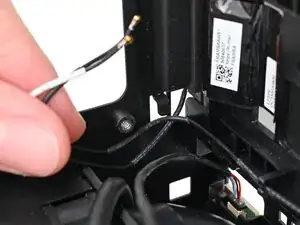
    • Push the antenna cables out of the metal hook in the chassis.

  3. 15lD2AjjvDbHpQ3F
    15lD2AjjvDbHpQ3F
    rWYRE4QONFphfYZs
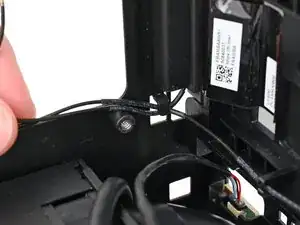
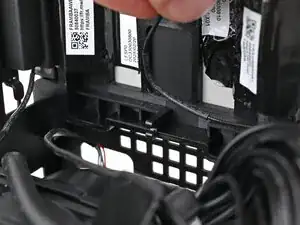
    • Pull the black antenna cable out of the plastic clip in the chassis.

  4. kKfAvpYhCbvPBW5V
    kKfAvpYhCbvPBW5V
    OLnvYYoDOUuLVU6g
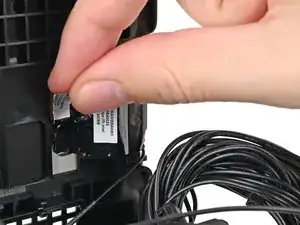
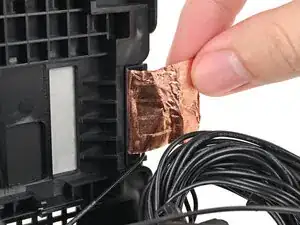
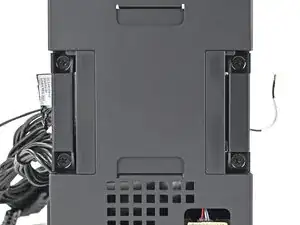
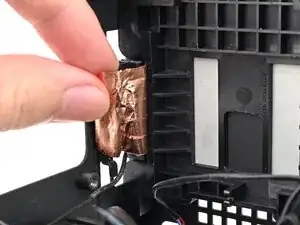
    • Use your fingers to peel the left antenna's copper film off the chassis.

  5. l33IEJVxUmn2upnF
    l33IEJVxUmn2upnF
    ACbyZlUV2NiXMmIF
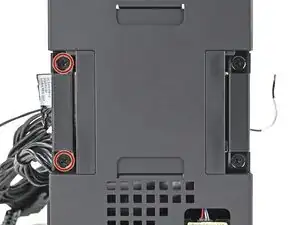
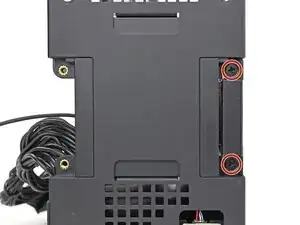
    • Use your Framework Desktop Screwdriver to remove the two 4.0 mm‑long Phillips screws securing the left antenna.

  6. flD2NPEuZv1CNGxS
    flD2NPEuZv1CNGxS
    ihrblKo3Wu6FSSLB
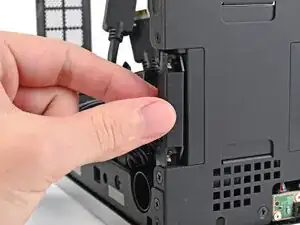
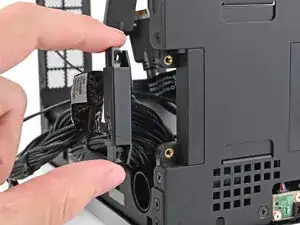
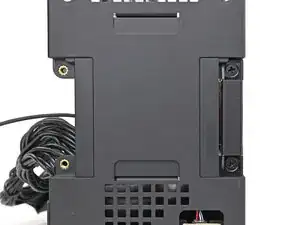
    • Lift the left antenna out of the chassis and remove it.

  7. UGuMUQBLHrsLpraB
    UGuMUQBLHrsLpraB
    ykSLiOOkfnK6xHcS
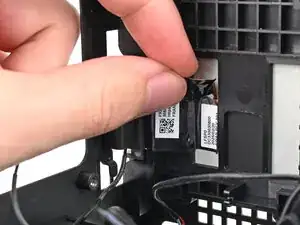
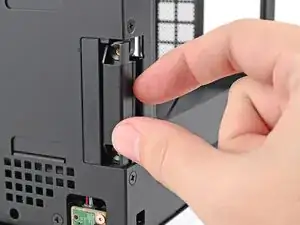
    • Use your fingers to peel the right antenna's copper film off the chassis.

  8. spMyWUiFdEDvCF2m
    spMyWUiFdEDvCF2m
    qPbYM5ttjKfawEpE
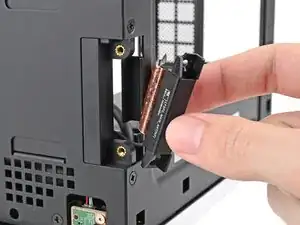
    • Use your Framework Desktop Screwdriver to remove the two 4.0 mm‑long Phillips screws securing the right antenna.

  9. tfae5caxwTOf4F4N
    tfae5caxwTOf4F4N
    IYywegXnonpvjJZq
    eH53SncFmgWlNM2C
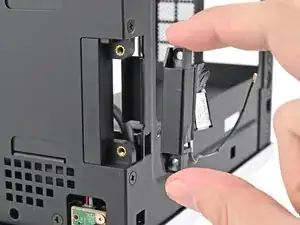
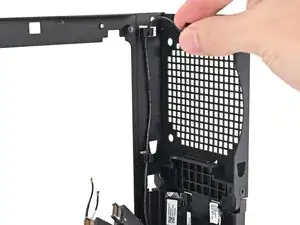
    • Lift the right antenna out of the chassis, making sure to thread the cable through the slot.

    • Remove the antenna.

Conclusão

To reassemble your device, follow these instructions in reverse order.

Alex Diaz-Kokaisl

Membro desde: 16/01/22

227430 Reputação

0 comentários