Introdução
-
-
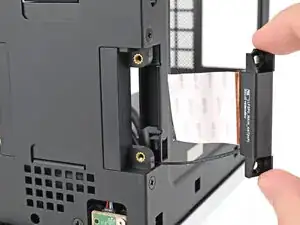
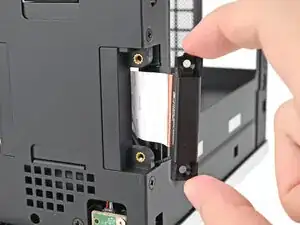
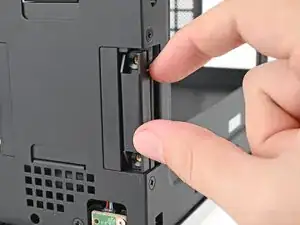
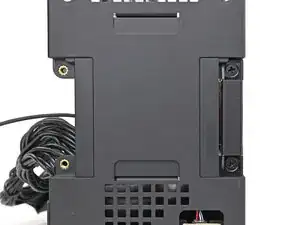
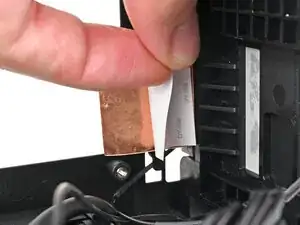
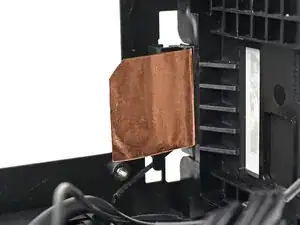
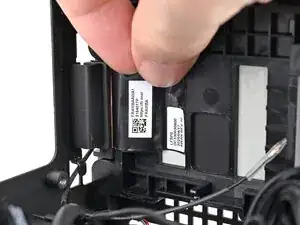
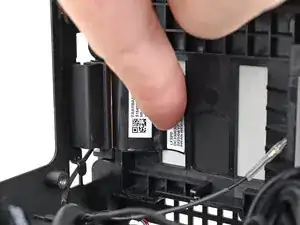
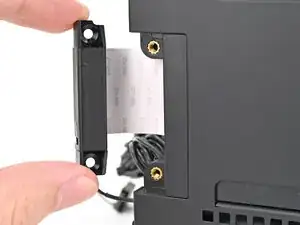
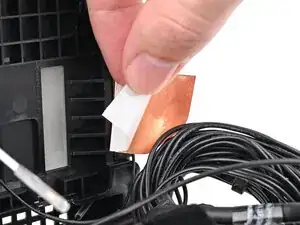
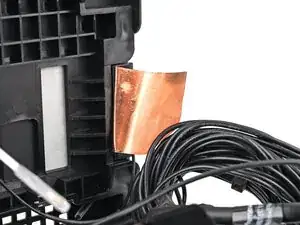
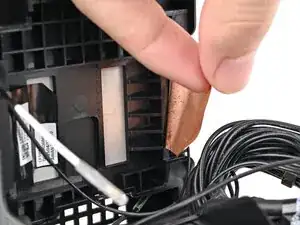
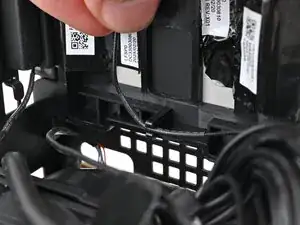
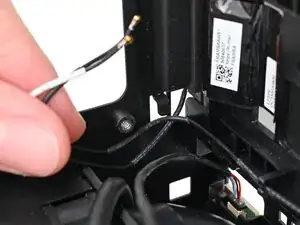
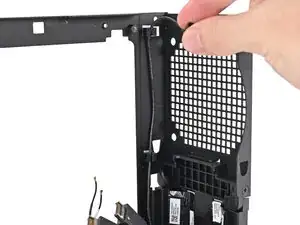
Place the replacement right antenna into its slot on the chassis, making sure to thread the cable through the slot.
-
-
-
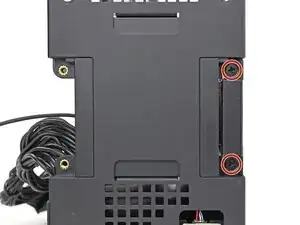
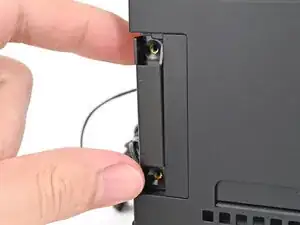
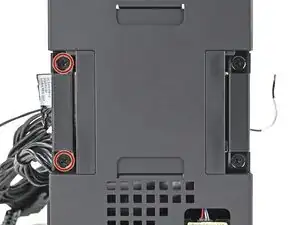
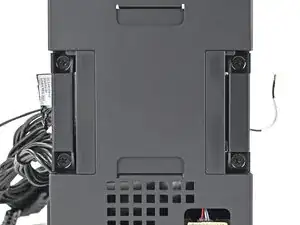
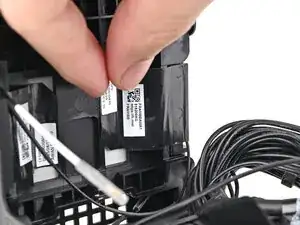
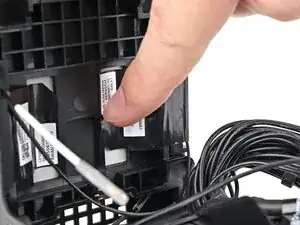
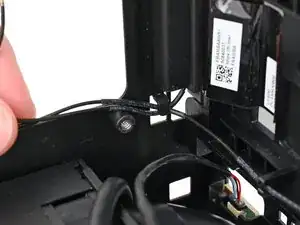
Use your Framework Desktop Screwdriver to install the two 4.0 mm‑long Phillips screws securing the right antenna.
-
-
-
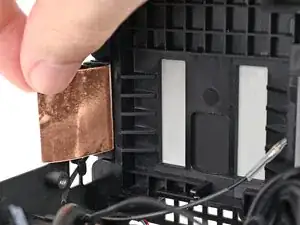
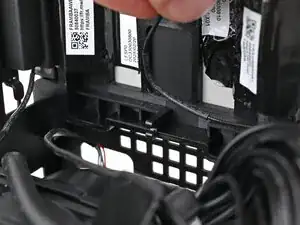
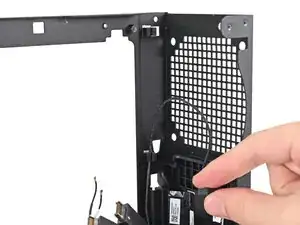
Use your Framework Desktop Screwdriver to install the two 4.0 mm‑long Phillips screws securing the left antenna.
-
Conclusão
To reassemble your device, follow these instructions in reverse order.
