Introdução
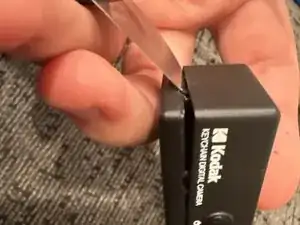
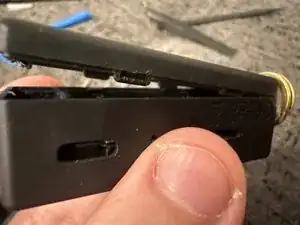
I just got this camera and was interested on seeing what was inside because I couldn’t find anything on the Internet, I struggled to get my jimmy into the casing but I finally got it and I applied force with my hands to pull the screen side off, it took more effort than expected and when it came off so did the ribbon cable connector attached to the screen, please go slow with this as the cables are thin and fragile
Ferramentas

-
-
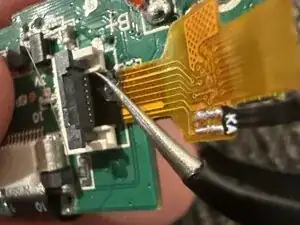
Gently pull off the battery (the adhesive shouldn’t be too strong). Carefully pull the ribbon cable connecting the screen out after lifting the latch, disconnect the two screws, then you’re done
-
Conclusão
Go ever so slow

Um comentário
你好
我目前遇到的問題是螢幕無法正常開啟
只出現黑色的屏幕
有發光,拍照功能也正常
看到你有拆開來看內部構造
想跟你請教是不是有甚麼建議
許日鑫 -