Introdução
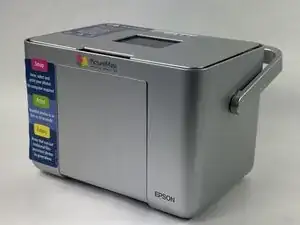
Is your Epson PictureMate Pal PM 200 not recognizing your memory card, or has the card become damaged or stuck? Replacing the memory card is a simple process that can restore your printer's photo-saving and printing capabilities. This guide will walk you through safely accessing and replacing the memory card with minimal tools and effort. Follow each step carefully to bring your PictureMate Pal back to full functionality!
Ferramentas

-
-
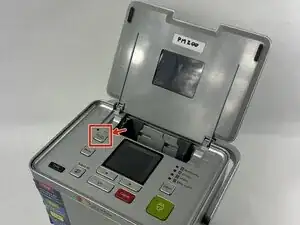
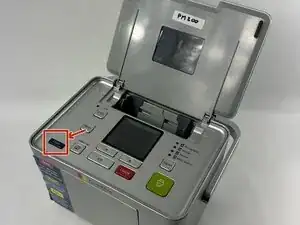
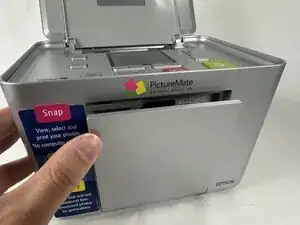
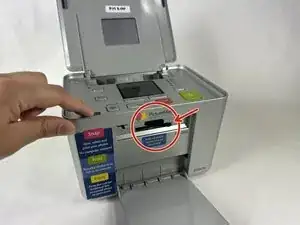
Locate the memory card slot on the front of the printer.
-
Gently open the protective cover by pulling it outward.
-
-
-
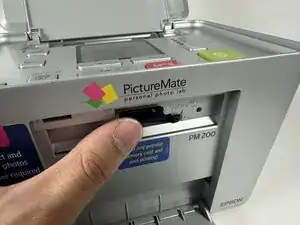
If a memory card is already inserted, carefully press it in slightly until it "clicks" and releases.
-
Pull the card out.
-
Conclusão
To reassemble your device, follow these instructions in reverse order.