Introdução
Follow this guide to replace the front panel on a Sony DualShock 4 CUH-ZCT2 PlayStation controller.


-
-
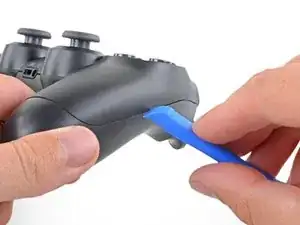
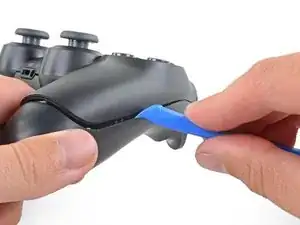
Insert an opening tool into the crease where the front and rear panel meet, starting from the outside edge of either handle.
-
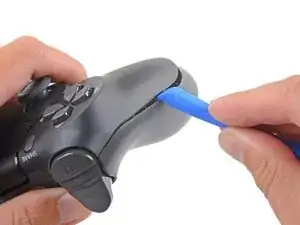
Gently pry the rear panel off of the front panel until they become partially separated.
-
-
-
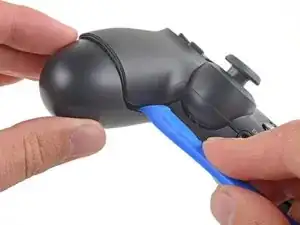
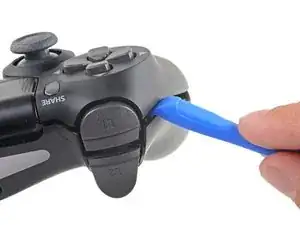
Use the opening tool to separate the panels by releasing the plastic clips around the perimeter of the controller.
-
-
-
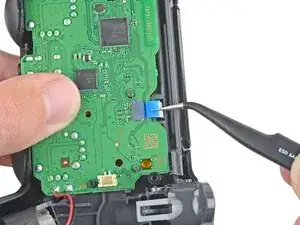
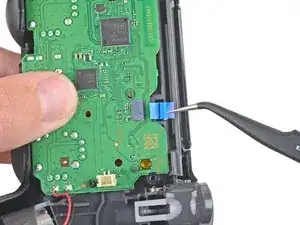
Use your fingers to gently pull the ribbon cable straight out of its connector on the motherboard.
-
-
-
Push the bottom of the touchpad in from the front side of the controller to separate it from the front case.
-
Remove the touchpad from the bezel holding it to the front case.
-
-
-
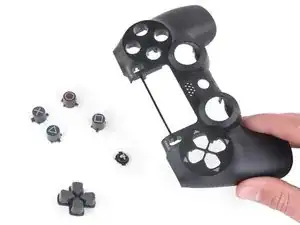
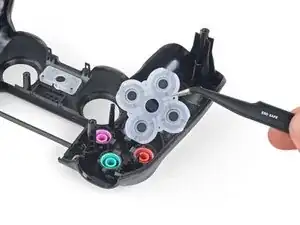
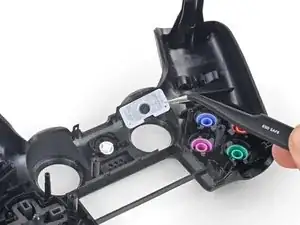
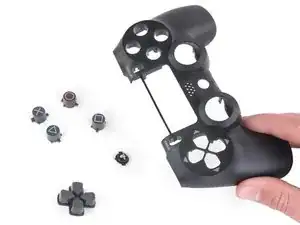
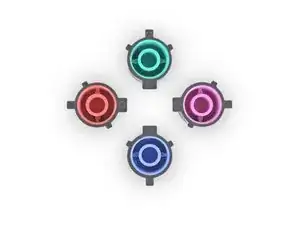
Slowly turn over the front panel to let the buttons fall out.
-
Only the front panel remains.
-
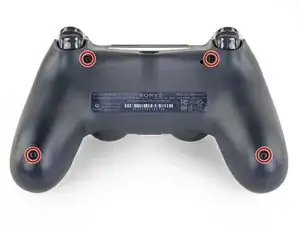
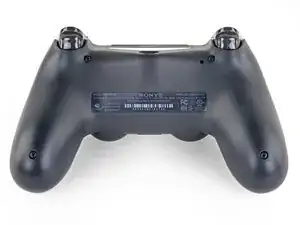
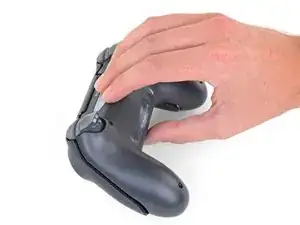
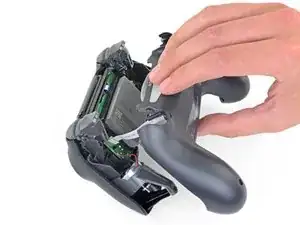
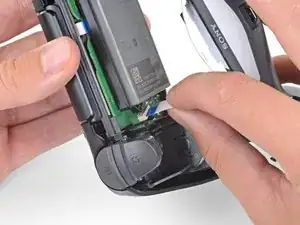
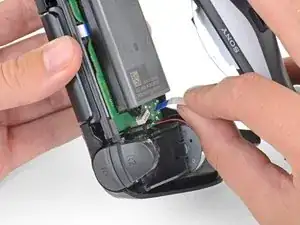
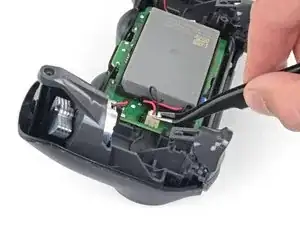
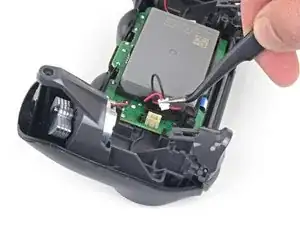
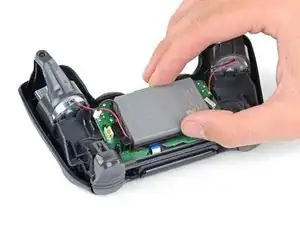
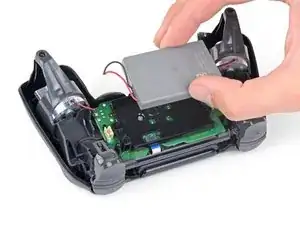
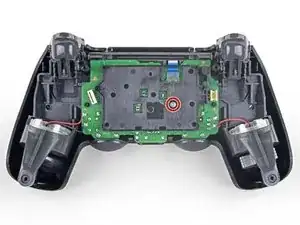
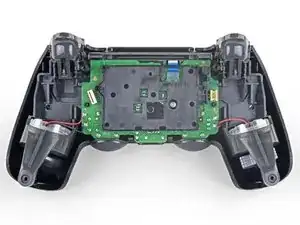
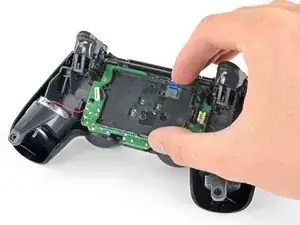
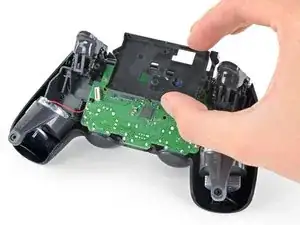
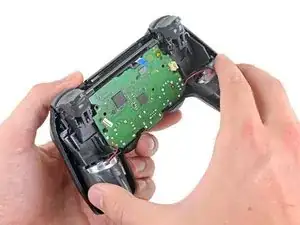
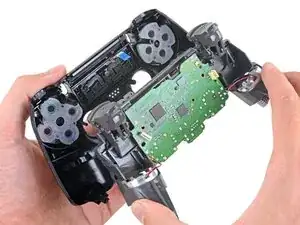
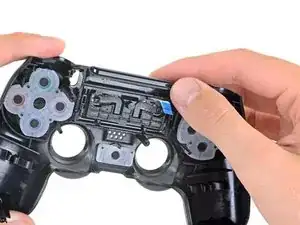
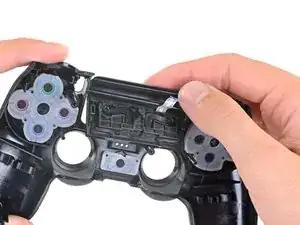
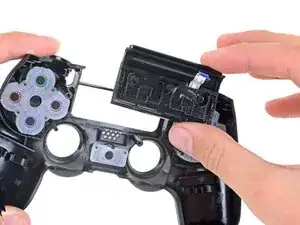
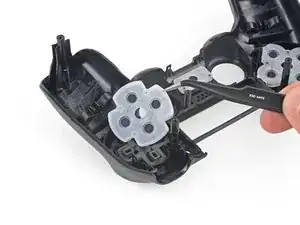
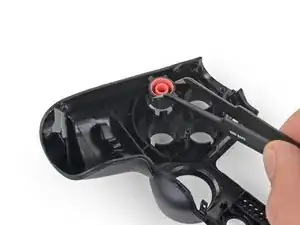
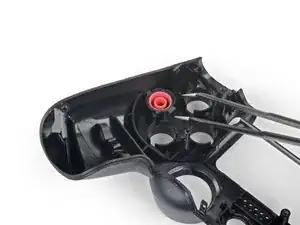
To reassemble your device, follow the above steps in reverse order.
Repair didn’t go as planned? Check out our Answers community for troubleshooting help.

A driver size recommendation would be nice. I tried several and found that a size 2.5 Phillips worked nicely
Justin Vander Ziel -