Introdução
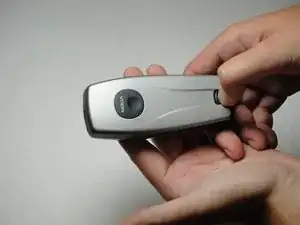
This guide will show you how to remove the back cover of your Nokia 3560.
-
-
Press down on the release latch on the bottom of the cover.
-
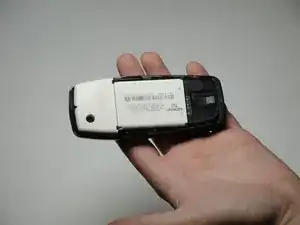
Once the latch is released, lift the cover from the phone.
-
Conclusão
To reassemble your device, follow these instructions in reverse order.
