Introdução
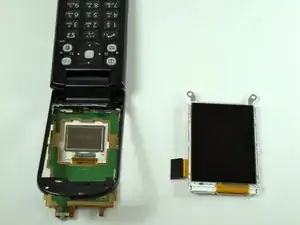
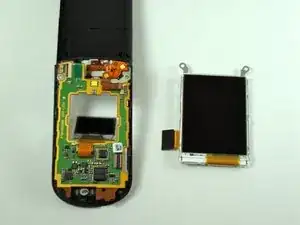
These instructions will demonstrate how to remove the main LCD screen from the KDDI Kyocera A5521K.


-
-
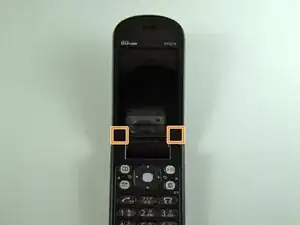
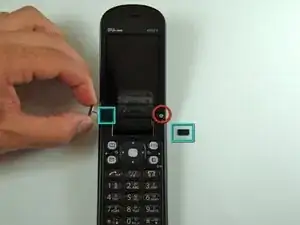
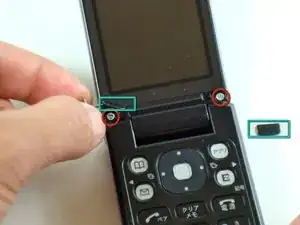
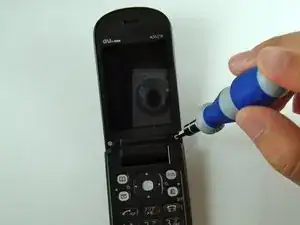
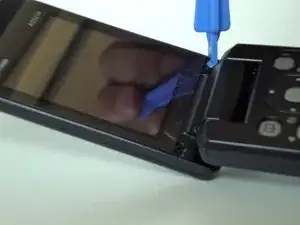
Start by prying, with a metal probe, the black covers that are located by the pivoting joints of the phone/
-
Beneath those covers are the screws.
-
-
-
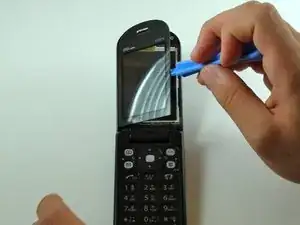
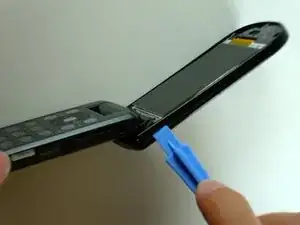
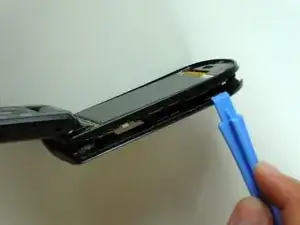
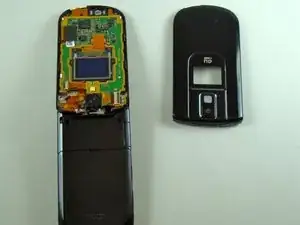
Use the iPod pry tool to remove the outer screen.
-
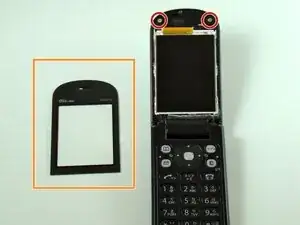
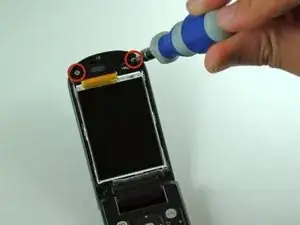
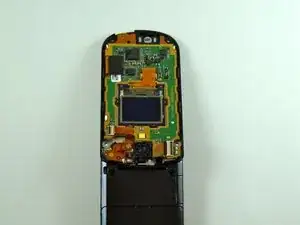
Two screws are now visible.
-
Be careful not to crack the screen upon removal. It adheres strongly to the phone.
-
-
-
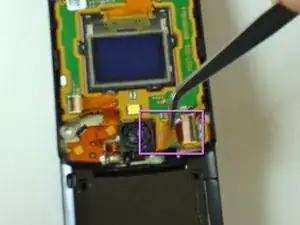
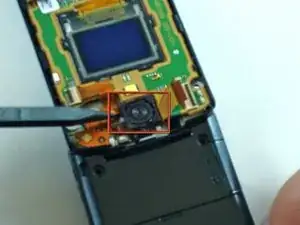
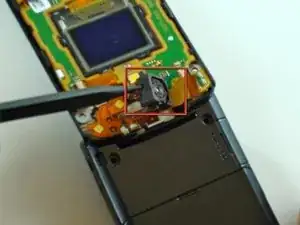
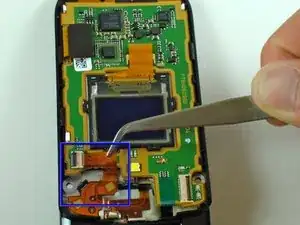
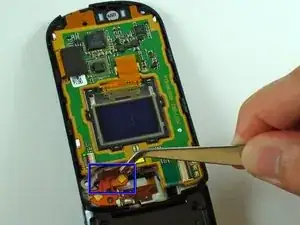
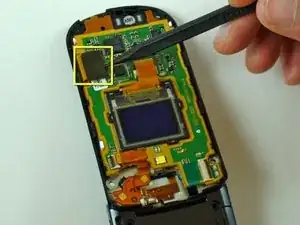
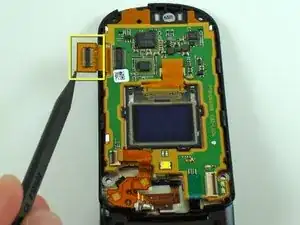
Carefully pry up the camera unit with a spudger.
-
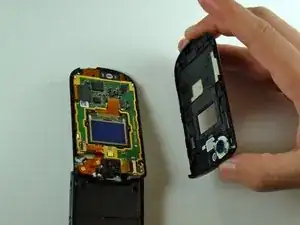
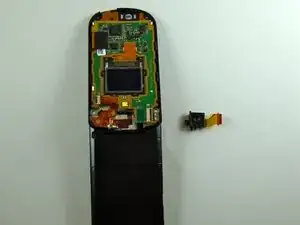
The camera should now be separated from the phone.
-
-
-
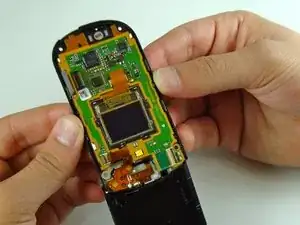
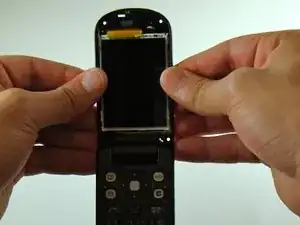
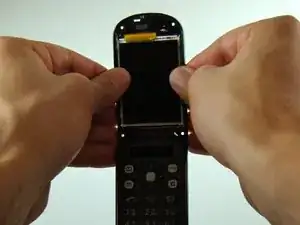
Grab the phone with both hands.
-
Turnover the phone so that the main screen faces you.
-
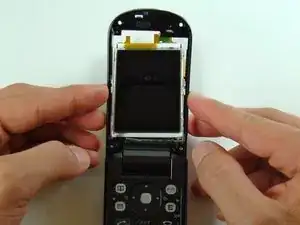
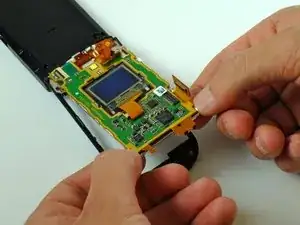
Firmly grasp the edges between your thumbs and fingers.
-
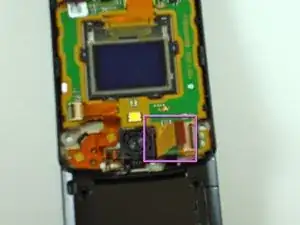
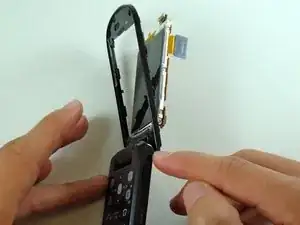
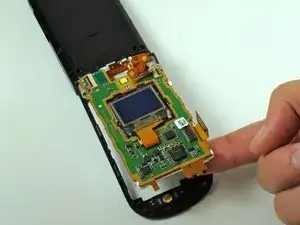
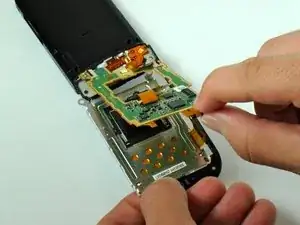
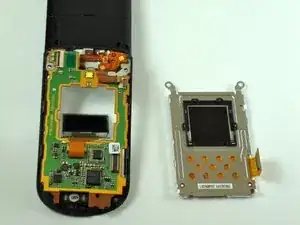
Carefully push in the LCD screen from the remainder of the phone.
-
To reassemble your device, follow these instructions in reverse order.
