Introdução
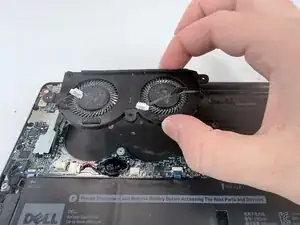
If your Dell XPS 13 9370 is overheating or producing unusually high fan noise, you may want to replace the fans and cooling assembly to reduce noise and increase the lifespan of the CPU. If the device is overheating, you may want to temporarily remove the cooling assembly to access the CPU and replace thermal paste on the device. Thermal paste acts as a medium that transfers heat from the CPU to the cooling system. Over time, however, thermal paste degrades and loses its effectiveness and usually needs replacing every 3-7 years.
Ferramentas


-
-
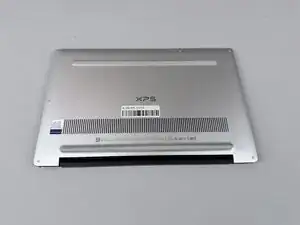
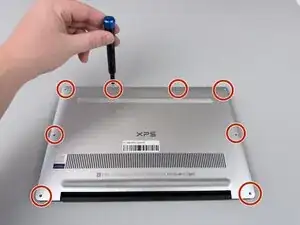
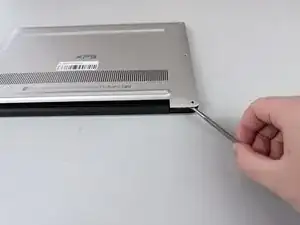
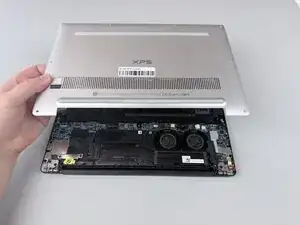
Insert a spudger into the seam between the back panel and the computer frame.
-
Pop the back panel out of place and remove it.
-
-
-
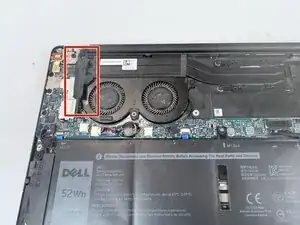
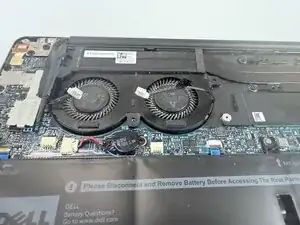
Lift the screw cover flap to expose the cooling fan assembly.
-
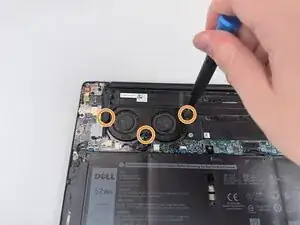
Remove the three 3.4 mm retention screws using a Phillips #1 screwdriver.
-
-
-
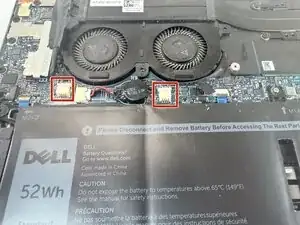
Unplug the two black cables from the motherboard assembly.
-
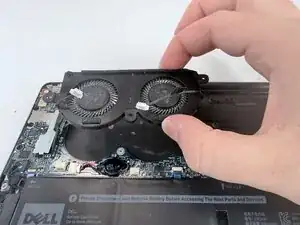
Move the cables out of the way and lift the cooling fan assembly out of the frame.
-
To reassemble your device, follow these instructions in reverse order.