Introdução
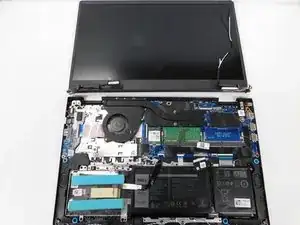
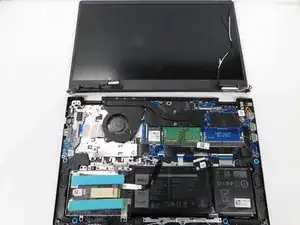
Follow this guide to replace the screen display in your Dell Vostro 3510. Some signs your screen display might need replaced include physical cracks, vertical/horizontal lines, dead pixels, persistent flickering, or a blacked-out display that persists after restarting.
Ferramentas


-
-
Unplug all cables and fully shut down your laptop.
-
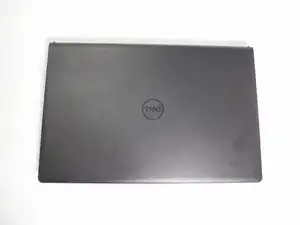
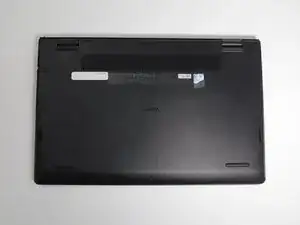
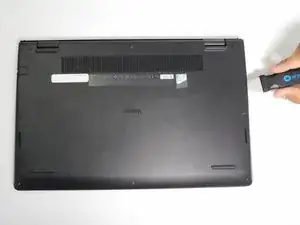
Lay your laptop down with the rear case facing up.
-
-
-
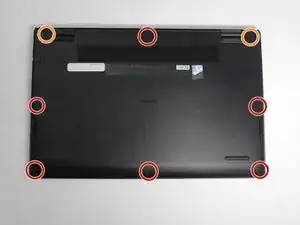
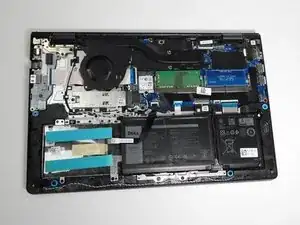
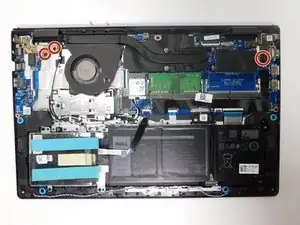
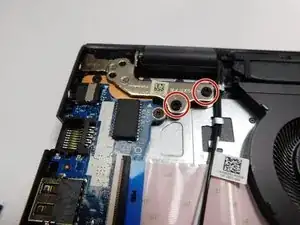
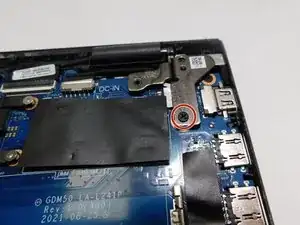
Remove the six 1 mm screws with a Phillips #0 screwdriver.
-
Loosen the two captive 1 mm screws on the back corners.
-
-
-
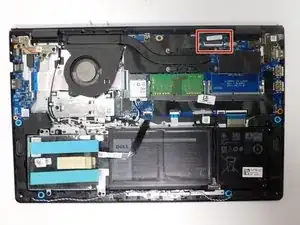
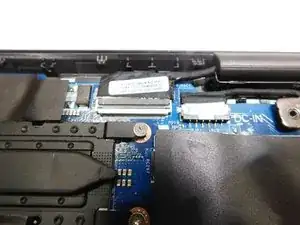
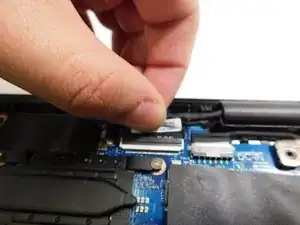
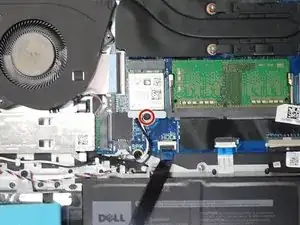
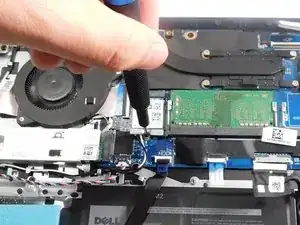
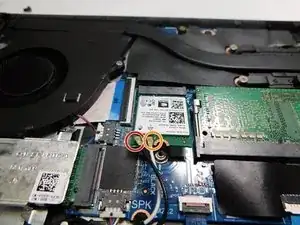
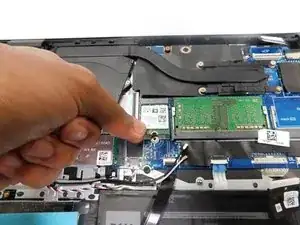
Unplug the white wire and black wire.
-
The black wire is marked in red.
-
The white wire is marked in orange.
-
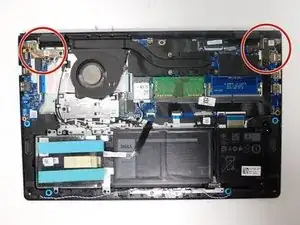
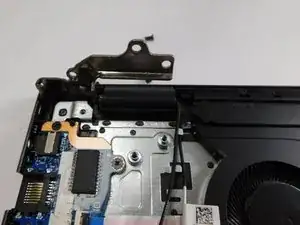
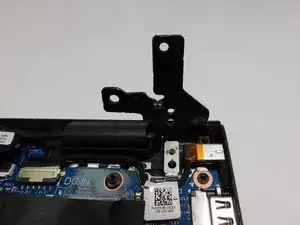
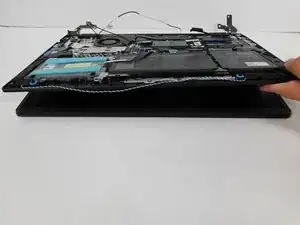
Conclusão
Follow these instructions in reverse order to reassemble your device.