Introdução
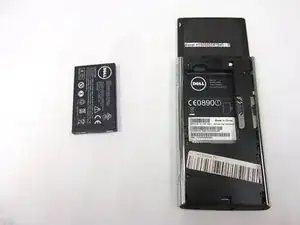
If your Dell Venue Pro won’t turn on, loses charge quickly, or shuts down unexpectedly, the battery may need to be replaced.
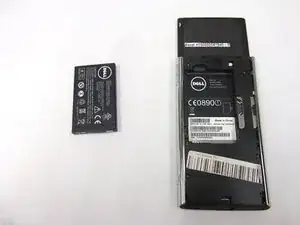
This guide shows how to safely remove and replace the removable lithium-ion battery in the Dell Venue Pro.
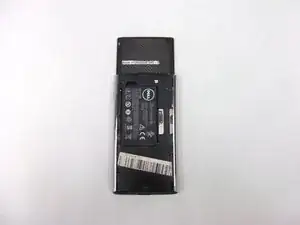
Before beginning, power off your phone completely.
-
-
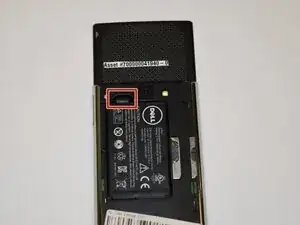
Use your finger to lift the battery using the notch in the upper left corner of the compartment.
-
Conclusão
To reassemble your device, follow these instructions in reverse order.