Introdução
Ferramentas

-
-
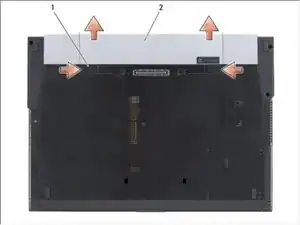
Slide the battery release latches to the open position. (The latches lock into place).
-
Grip the battery and slide it out of the battery bay.
-
-
-
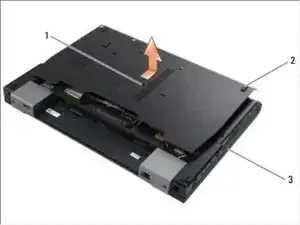
Loosen the M2.5 x 5-mm captive screw.
-
Using the rubber feet for leverage, slide the bottom of the base assembly toward the front of the computer 1/8th inch, then lift to remove it.
-
-
-
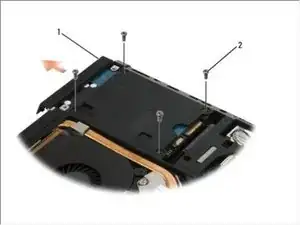
Remove the four M3 x 3-mm screws securing the hard drive. These screws are on the bottom of the base cover.
-
Slide the hard drive out of the computer.
-
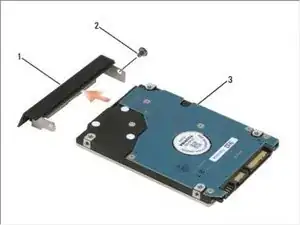
Remove the face plate screw and then the face plate from the hard drive.
-
Conclusão
To reassemble your device, follow these instructions in reverse order.

Um comentário
What is on the slot on the opposite side of the DVD drive
It's missing and don't know what been
Removed