Introdução
Ferramentas

-
-
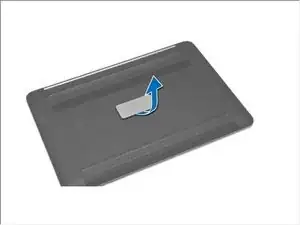
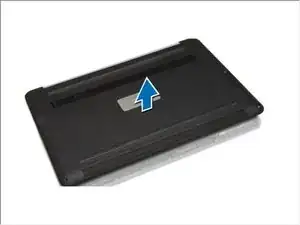
Turn the system badge fap over and place it on the base cover.
-
Remove the screws that secure the base cover to the computer. Release and remove the base cover from the computer.
-
Lift up and remove the base cover from the computer.
-
Conclusão
To reassemble your device, follow these instructions in reverse order.
