Introdução
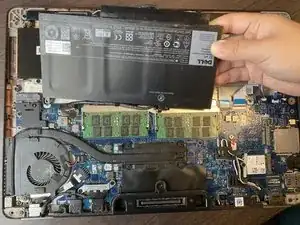
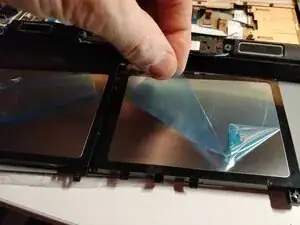
This guide introduces how to replace the battery from Dell Latitude E7470. The laptop comes with different battery configurations. While this guide shows how to remove a standard capacity battery, the procedure is similar when replacing the extended capacity battery. And the last steps have photos of the extended capacity battery (the part sold by iFixit.com)
Ferramentas


-
-
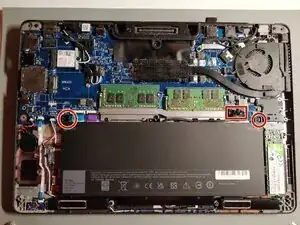
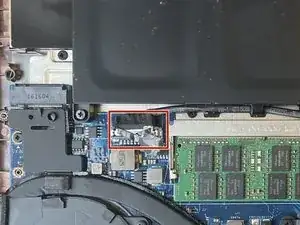
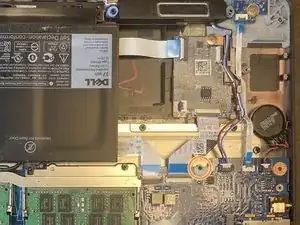
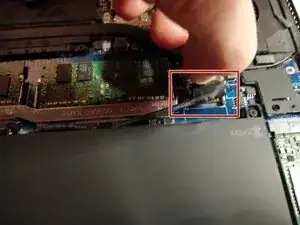
Use the pull tab on the battery connector to lift the connector straight up off its socket on the motherboard, disconnecting it.
-
-
-
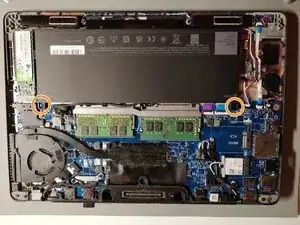
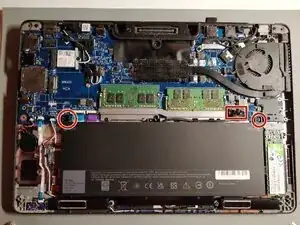
Remove the single 4 mm Phillips screw securing the bottom left corner of the battery.
-
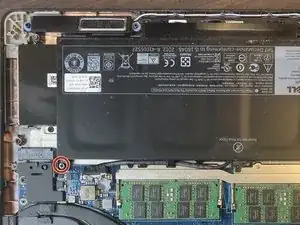
If you are removing an extended capacity battery (see third photo), remove the Phillips screw securing the bottom right corner of the battery.
-
-
-
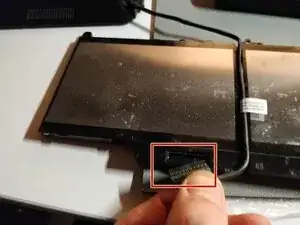
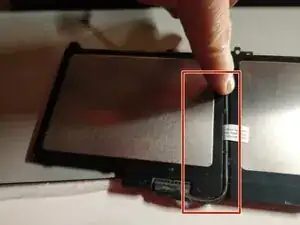
Re-plug the same cable on the new battery, and allow the cable to go around as showed on the photos.
-
-
-
Screw back the battery (here the photos show the extended capacity battery)
-
Plug back the battery cable to the mainboard connector.
-
To reassemble your device, follow these instructions in reverse order.

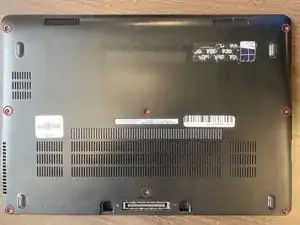
After unscrewing the 8 screws, they stay on the back cover.
Victor Ashiedu -