Introdução
Ferramentas

-
-
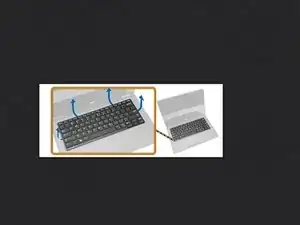
Using a plastic scribe, pry the edges of keyboard trim to release it from the computer
-
Lift up to remove the keyboard trim from the computer.
-
-
-
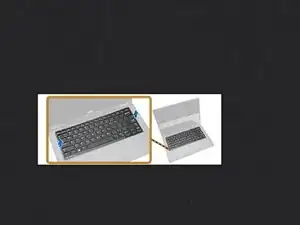
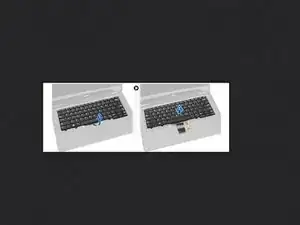
Lift the battery bay that secures the keyboard to the computer
-
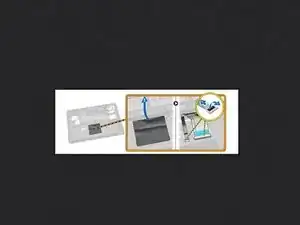
Lift the latch that secure the keyboard cable to the computer
-
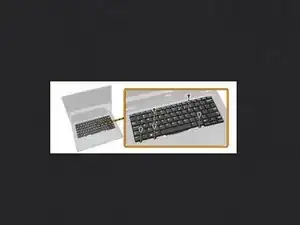
Disconnect the keyboard cable the computer
-
-
-
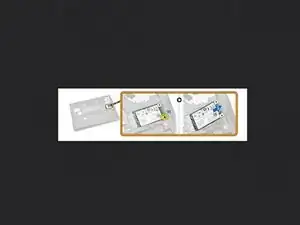
Remove the screws that secure the SSD card to the computer
-
Lift and remove the SSD card from the computer
-
-
-
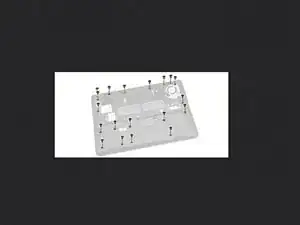
Remove the screws that secure the palmrest assembly and flip the computer.
-
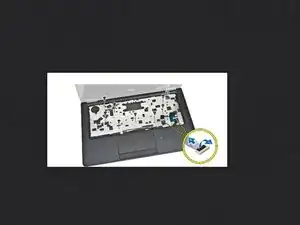
Perform the following steps as shown in the illustration: a. Lift the latch that secures the keyboard and touch cable to the computer [1]. b. Disconnect the keyboard and touch cable to the computer [2]. c. Remove the screws that secure the palmrest assembly to the computer [3].
-
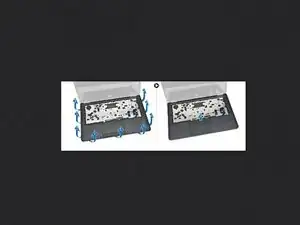
Perform the following steps as shown in the illustration: a. Pry the edges of the palmrest assembly [1]. b. Lift the palmrest assembly from the computer [2].
-
-
-
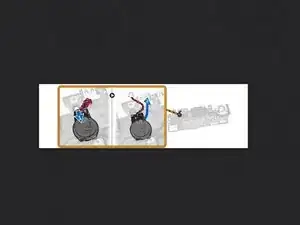
Perform the following steps as shown in the illustration: a. Disconnect the coin-cell cable from the computer [1]. b. Lift the coin-cell battery from the computer [2]
-
Installing the Coin-Cell Battery 1. Place the Coin-cell battery on the computer. 2. Connect the coin-cell battery cable to the computer
-
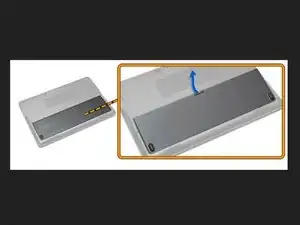
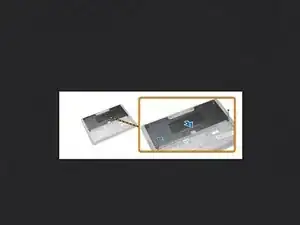
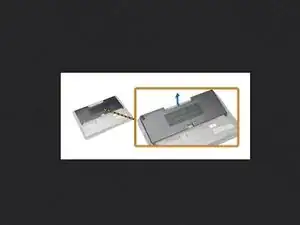
To reassemble your device, follow these instructions in reverse order.

Um comentário
Not easy, but you can get away without disassembling the entire laptop. You can barely pull the connector out from the socket with tweezers and a little wiggle through the cutout around the CMOS battery.