Introdução
Ferramentas


-
-
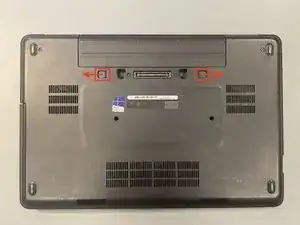
Turn the laptop upside down
-
Slide the two switches to the outside until an orange marker appears.
-
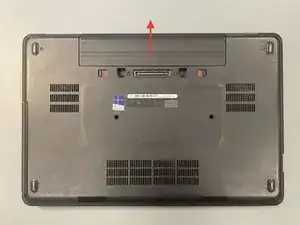
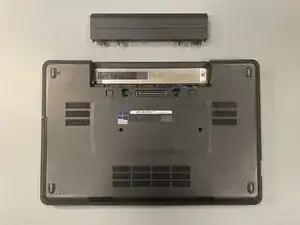
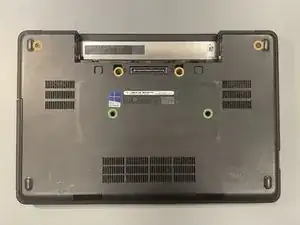
Remove the battery by sliding it out
-
-
-
Remove the four M2x5 and 2 M2x8 screws with a Phillips PH0 screwdriver
-
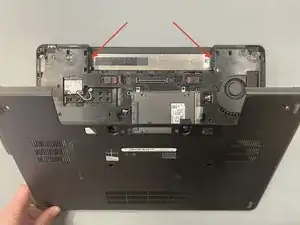
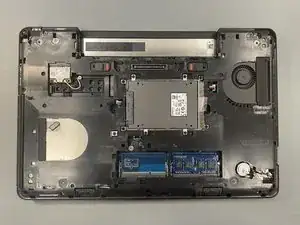
Remove the bottom plate by gently lifting it from the empty battery space
-
-
-
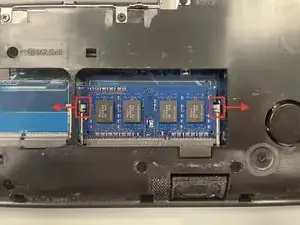
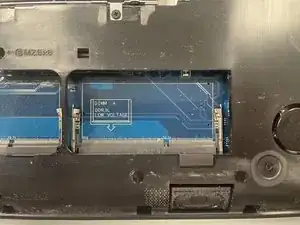
Remove the RAM by pushing the metal parts slightly outward
-
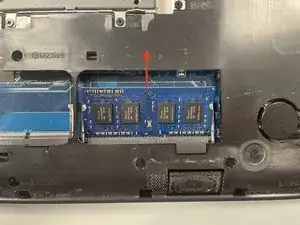
The RAM will pop up and you can carefully slide it out
-
-
-
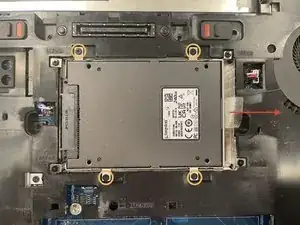
Remove the four M2x3 screws with a Phillips PH0 screwdriver
-
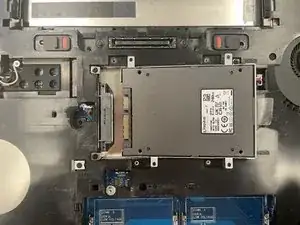
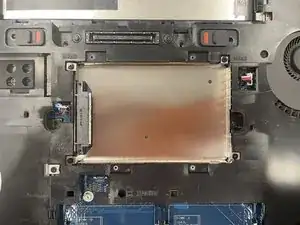
Slide the hard drive cradle out by pulling the plastic tab
-
-
-
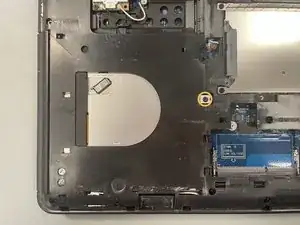
Remove one M2x5 screw with a Phillips PH0 screwdriver
-
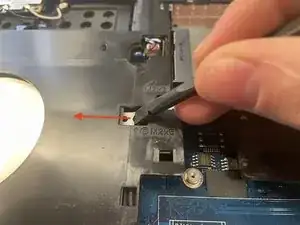
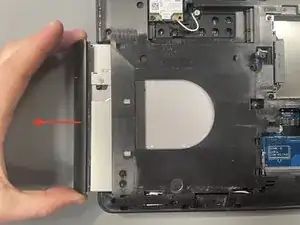
Use a blackstick to push out the optical drive and pull it further out by hand
-
-
-
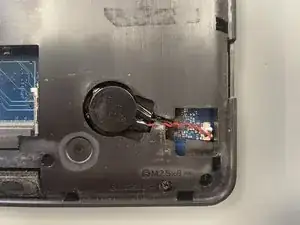
Use a blackstick to carefully disconnect the battery connector
-
Gently guide the cable through the narrowed part and remove the battery that is held in place with double sided tape
-
-
-
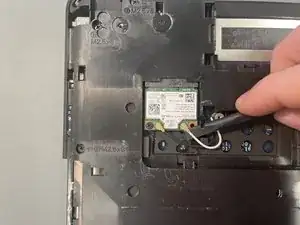
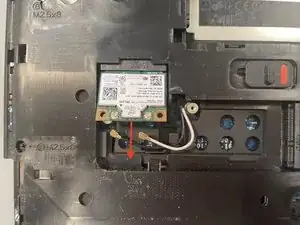
Gently disconnect the white and black cable from the module with a blackstick
-
Remove one M2x3 screw with a Phillips PH0 screwdriver. The module will push up
-
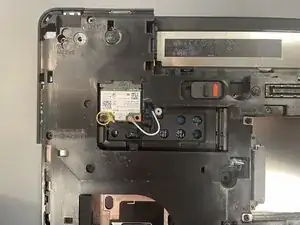
Remove the module by sliding it out
-
-
-
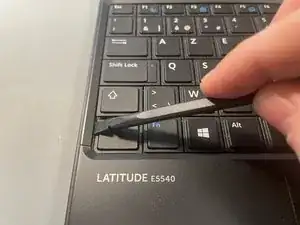
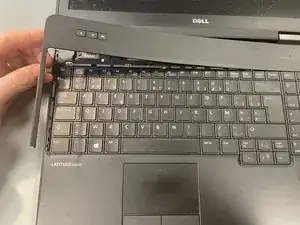
Turn the laptop over and open the screen, carefully place the spudger under the top panel near the bottom left Ctrl key and push up
-
Gently remove the rest of the panel
-
-
-
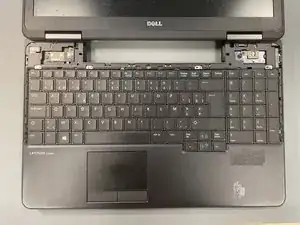
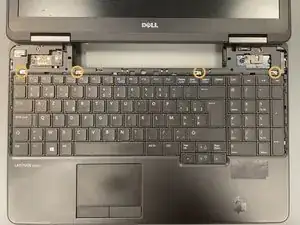
Remove four silver screws with a Phillips PH0 screwdriver, slide the keyboard up a couple of millimetres then lift it up away from you to expose the ribbon cable
-
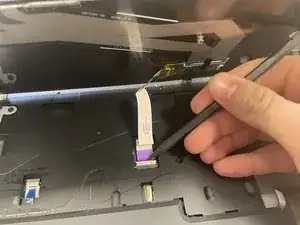
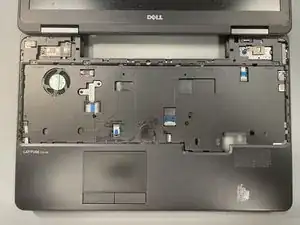
Disconnect the ribbon cable with the help of a spudger and remove the keyboard
-
-
-
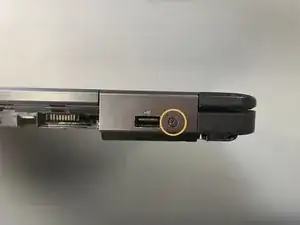
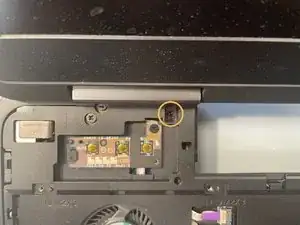
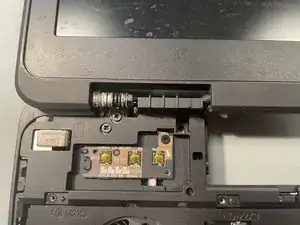
Remove the M2x3 screw from the rear of the cowling using a Phillips #0 screwdriver
-
Remove the M2x8 screw from the inside of the cowling using a Phillips #0 screwdriver. Gently remove the cowling minding the catch on the bottom
-
Repeat the same steps on the opposite side to remove the second cowling
-
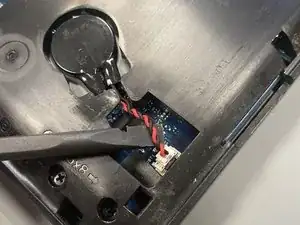
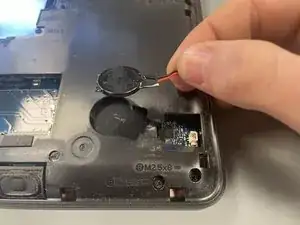
To reassemble your device, follow these instructions in reverse order.

Um comentário
Mi equipo no prende después de haber cambiado la batería
Karen -