Introdução
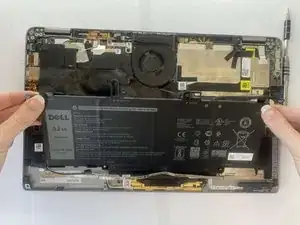
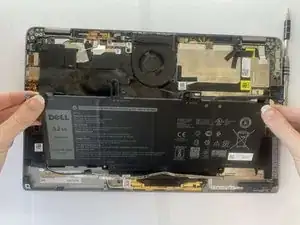
If your Dell Latitude 9410 2-in-1 drains its battery quickly or shuts down while charging, use this guide to replace the battery. The battery powers the laptop, and a failing or damaged battery can prevent the device from charging or starting properly and may pose a safety hazard if swollen.
Before starting, test the laptop with a known-working charger to confirm the issue is not caused by the power adapter.
Step 4 requires lifting a ribbon cable. Handle this cable carefully, as it is fragile and can tear easily.
Before beginning the repair, power off the laptop completely and disconnect it from all external power sources.
Ferramentas


-
-
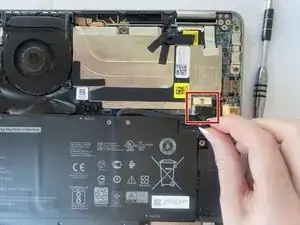
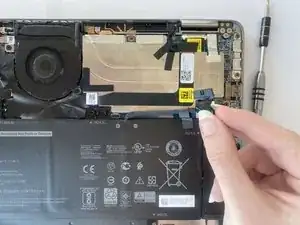
Grip the battery cable near the plug and pull it straight out, in the direction of the cable.
-
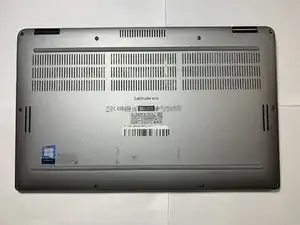
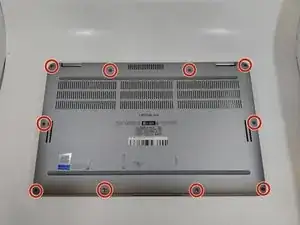
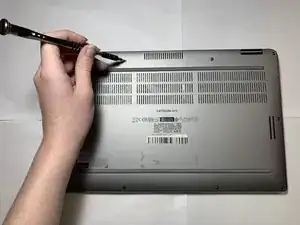
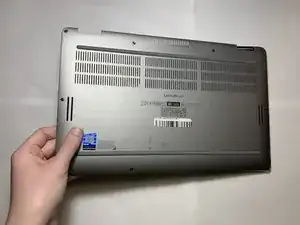
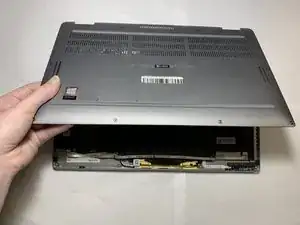
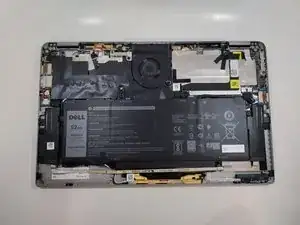
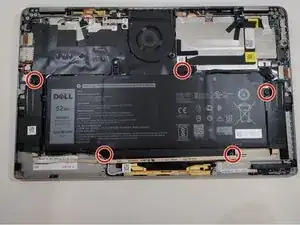
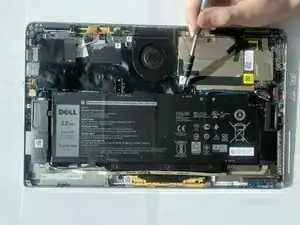
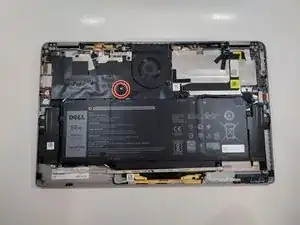
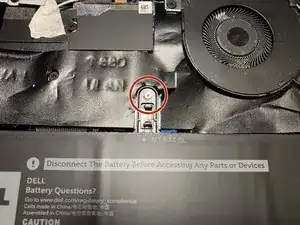
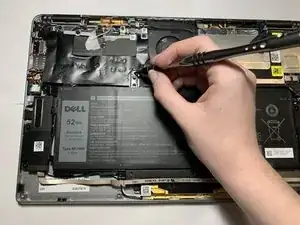
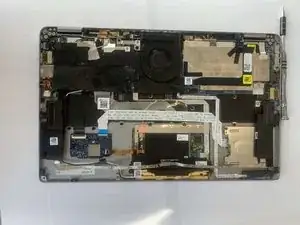
To reassemble your device, follow these instructions in reverse order.

3 comentários
This is a fantastic guide. Thanks for posting it.
EAR -
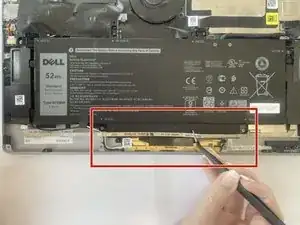
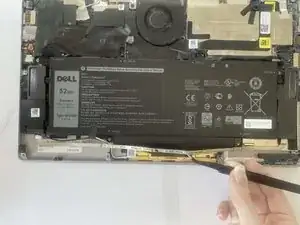
Just one question about the speaker ribbon glued to the battery (Step 7). I can't remove the ribbon from my battery. The glue is very strong. I've pulled firmly, and I'm worried about breaking the cable. Any ideas about how to loosen the glue without damaging the computer, perhaps by applying heat or some sort of solvent?
EAR -
Can I replace by 78WH battery instead of 52WH? I've seen online that 78WH battery is larger than 52WH, though I haven't measure the size.
Thank you!