Introdução

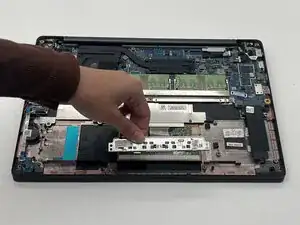
Use this guide to replace the touchpad keys in a Dell Latitude 7400.

  1. 5YFegKUY4BjLTtis
    5YFegKUY4BjLTtis
    4EBpcL5JVAuxfabJ
    QOgrjcm4nCkAqiYr
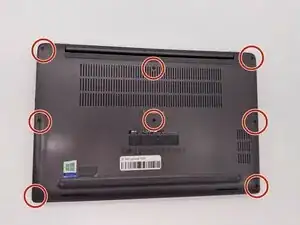
    • Lay the laptop on a flat hard surface facing downward.

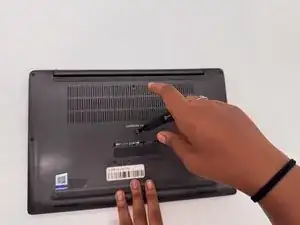
    • Use a Phillips #0 screwdriver to remove the eight 3 mm screws that secure the lower case.

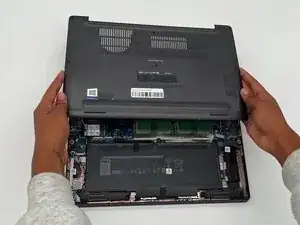
    • Lift the lower case off and set that aside.

  2. ZrDIsZDADQvRBFry
    ZrDIsZDADQvRBFry
    voeD1ySUhFAHGaH2
    WXnTFURhfxicij2L
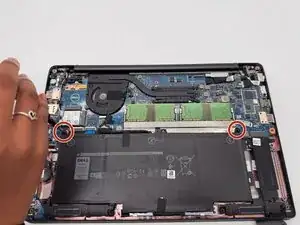
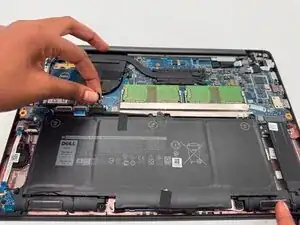
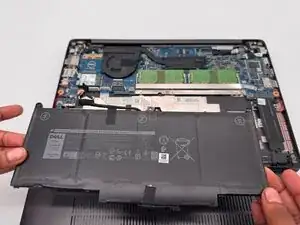
    • Use a Phillips #0 screwdriver to loosen the two 3 mm captive screws that secure the battery.

    • The screws will not remove completely, so just loosen them enough to lift battery.

    • Gently grip the battery connector loop and lift it to disconnect the battery connector.

    • Lift the battery up and out.

  3. V3AjUUm1gBZY3iQh
    V3AjUUm1gBZY3iQh
    dfcEJXLv6M4BLGjf
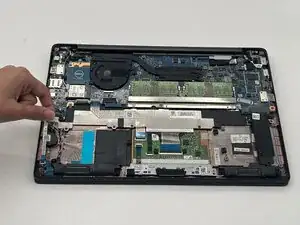
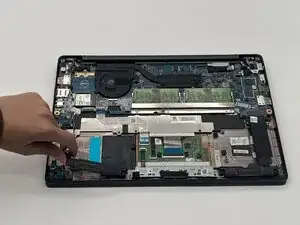
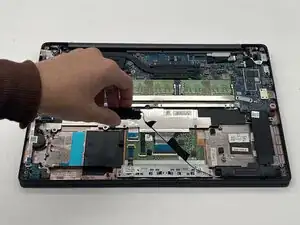
    • Gently grip the JST connector and pull straight away from the socket to disconnect it.

  4. QtfnsNSwuUdGYG2x
    QtfnsNSwuUdGYG2x
    HeayHC16mIlreiE6
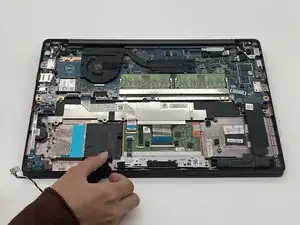
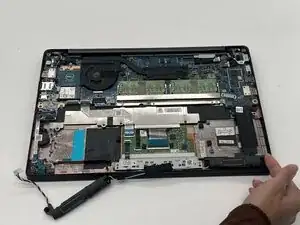
    • Lift the speaker out and set it to the side.

  5. SKyvKGRojS1K3B52
    SKyvKGRojS1K3B52
    LATrCFBsg1y1TJF2
    ygtYCc1AyhW2NPB5
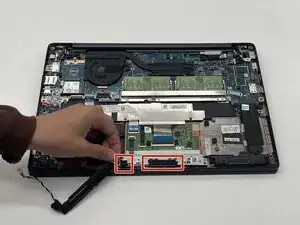
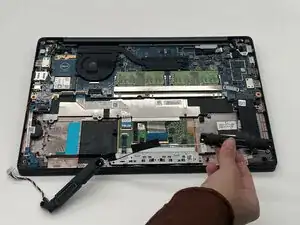
    • Peel back both of the highlighted pieces of tape.

    • Lift the speaker cable out.

  6. rmVKRkSsqgyehIKr
    rmVKRkSsqgyehIKr
    IFpOIFKPnBCGPEZY
    • Lift the right speaker out and set it to the side.

  7. LnQJENY241ikGxID
    LnQJENY241ikGxID
    dySOIOPopJevHjYC
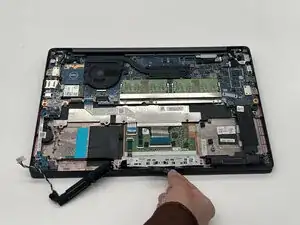
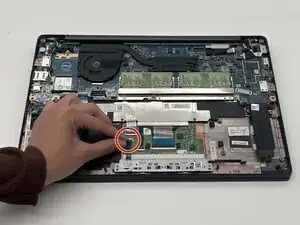
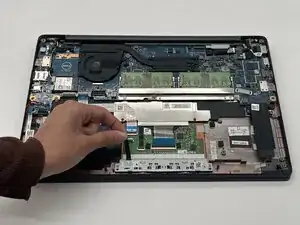
    • Gently lift the highlighted locking tab to release the connected ribbon cable.

  8. IWQmLISHBCKXN1MS
    IWQmLISHBCKXN1MS
    CyHItqsmToTysqKF
    aLZpnIIV5VjUGQDS
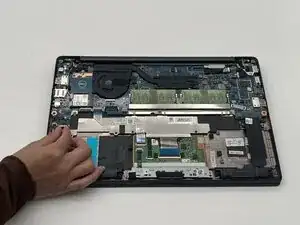
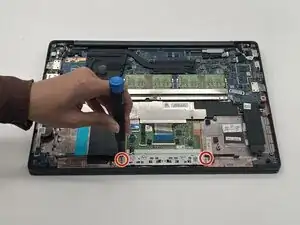
    • Use a Phillips #0 screwdriver to remove the two screws on the touchpad keys.

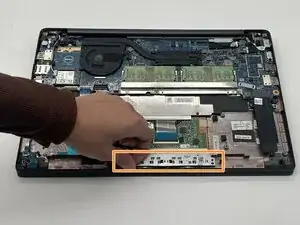
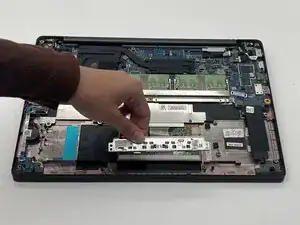
    • Remove the touchpad keys.

Conclusão

To reassemble your device, follow the above steps in reverse order.
Take your e-waste to an R2 or e-Stewards certified recycler.
Repair didn’t go as planned? Try some basic troubleshooting or ask our Answers community for help.

Alyssa Williams

Membro desde: 12/09/25

217 Reputação

0 comentários