Introdução
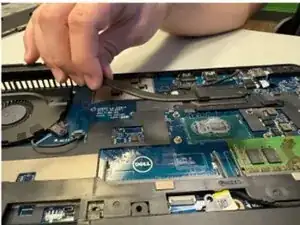
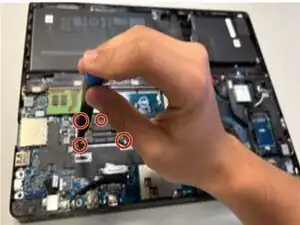
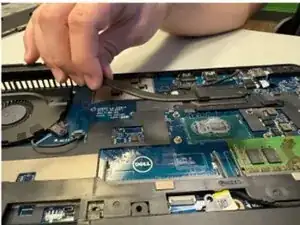
This guide will show you how to properly remove the heat sink from the Dell Latitude 5580 laptop. Signs of a malfunctioning heat sink include reduced performance, random shutdowns or freezing, and increased fan noise. If you are experiencing these issues you need to replace your heat sink.


-
-
Orient your laptop so that you have access to the lower case, with the vents facing upwards.
-
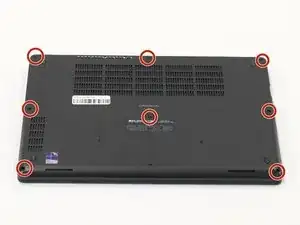
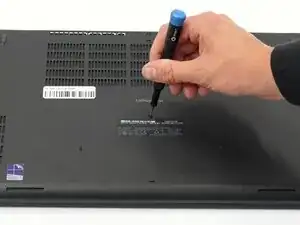
Use a Phillips screwdriver to loosen the eight screws securing the bottom cover.
-
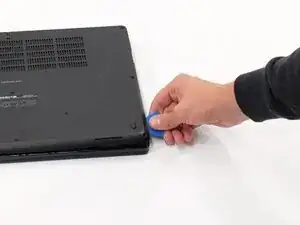
Insert the end of an iFixit opening tool or an opening pick into the seam between the bottom and top case to release the clips holding them together.
-
Slide the opening tool or pick around the edge of the laptop until the case is fully released.
-
Remove the lower case.
-
To reassemble your device, follow the above steps in reverse order.
Take your e-waste to an R2 or e-Stewards certified recycler.
Repair didn’t go as planned? Try some basic troubleshooting or ask our Answers community for help.
