Introdução
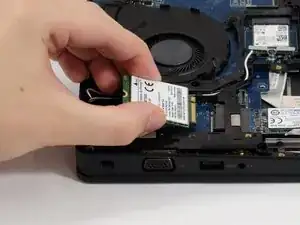
The WWAN (Wireless Wide Area Network) card is used to connect a laptop to mobile data via a cellular connection.
In this guide, you will learn how to replace or install a WWAN card in your Dell Latitude 5490 laptop.
The WWAN card is used to connect your laptop to mobile data via a cellular connection. This is important to have if you want access to the internet without available Wi-Fi. If your Dell Latitude 5490 laptop is unable to access the internet without Wi-Fi, you may need to replace or install the WWAN card. Replacing the WWAN card will give your laptop access to the internet without an available Wi-Fi connection.
Ferramentas


-
-
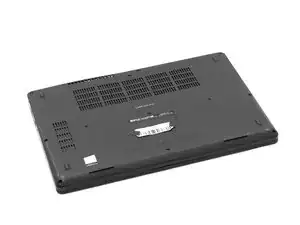
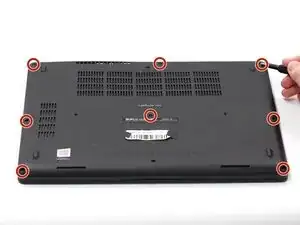
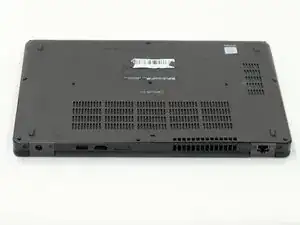
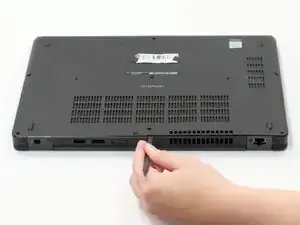
Using the spudger, pry the backplate from the laptop starting from external chassis (the back side of the laptop).
-
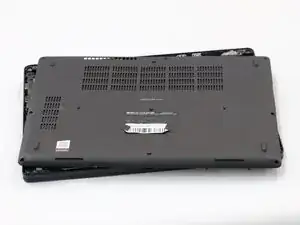
Continue prying in a clockwise direction around the backplate until it is able to be removed with just your hands.
-
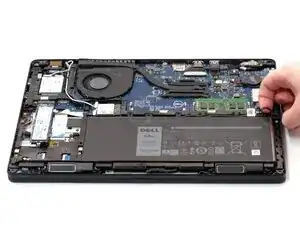
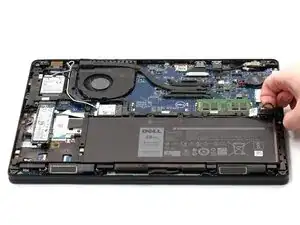
Remove the backplate and put it aside for reassembly.
-
-
-
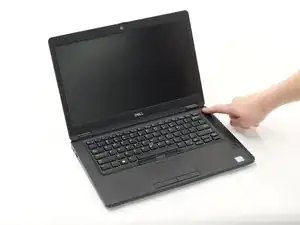
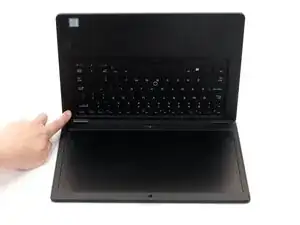
Hold down the power button for 15 seconds to discharge the remaining electricity within the laptop.
-
-
-
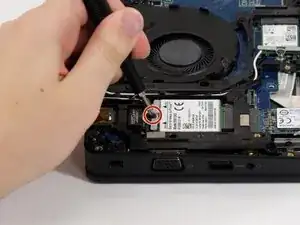
Remove the 4 mm screw holding the bracket above the WWAN card with a Phillips #0 screwdriver.
-
-
-
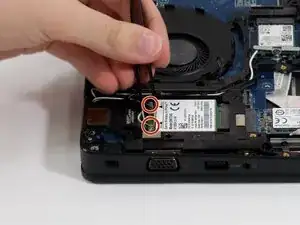
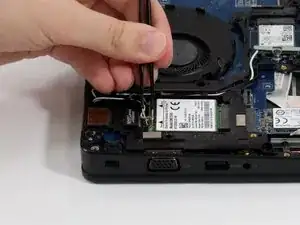
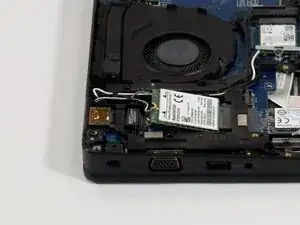
Carefully remove both antenna connectors. Ensure that you pull the antenna connectors straight up from the socket.
-
Using angled tweezers, hook one end of the tweezer under the connector. Set the other side at the end of the connector on the WWAN card. Keeping the tweezers flat, lightly squeeze.
-
-
-
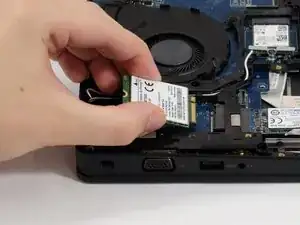
Carefully slide the WWAN card out from the rear side, from the end where the antennas and bracket were.
-
To reassemble your device, follow these instructions in reverse order.
