Introdução
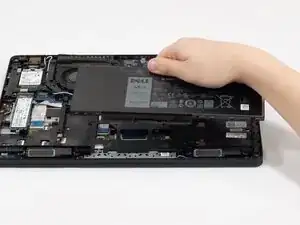
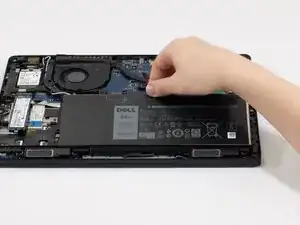
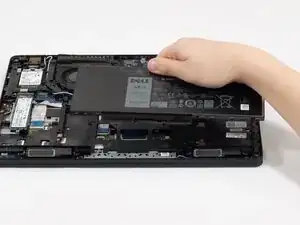
The battery provides a mobile power source for your laptop. Batteries will slowly lose capacity over time and replacing it can improve the lifespan of your laptop.
In this guide, we will show you how to install and replace the battery in your Dell Latitude 5490 laptop.
If your computer's charge does not last, you may need to replace the battery. An operational battery can restore your laptop to optimal condition.
Ferramentas


-
-
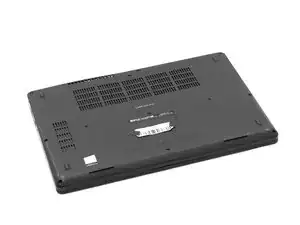
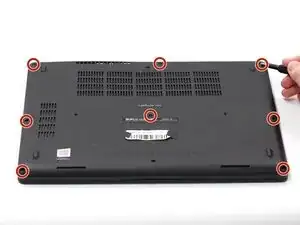
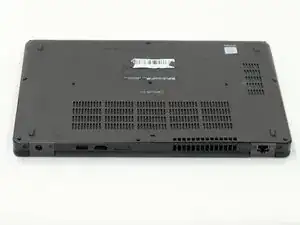
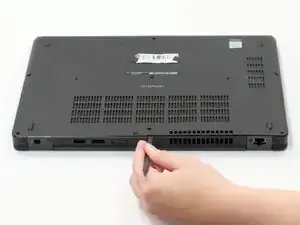
Using the spudger, pry the backplate from the laptop starting from external chassis (the back side of the laptop).
-
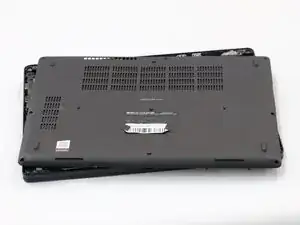
Continue prying in a clockwise direction around the backplate until it is able to be removed with just your hands.
-
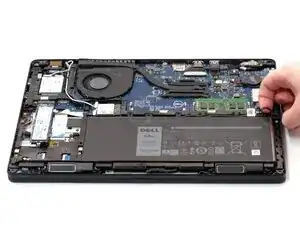
Remove the backplate and put it aside for reassembly.
-
-
-
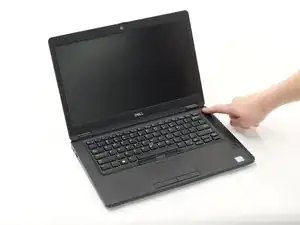
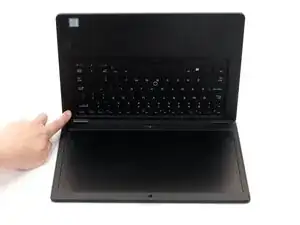
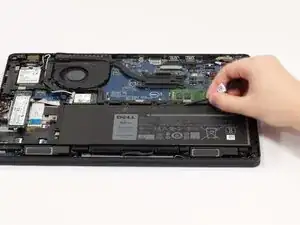
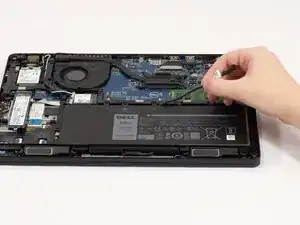
Hold down the power button for 15 seconds to discharge the remaining electricity within the laptop.
-
-
-
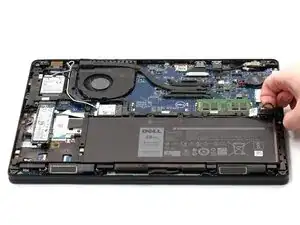
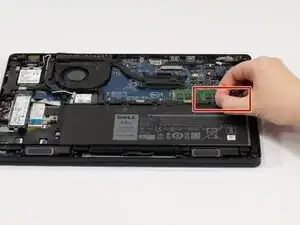
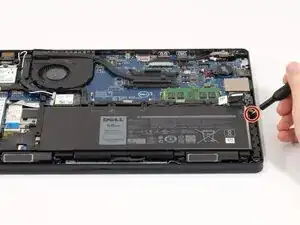
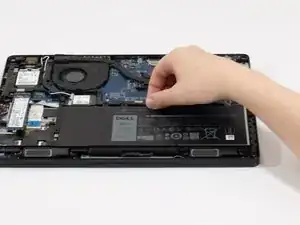
Remove the single marked 4 mm screw from the righthand side of the battery using a Phillips #0 screwdriver.
-
To reassemble your device, follow these instructions in reverse order.
