Introdução
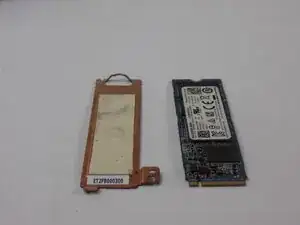
Your SSD/ Hard drive is arguable the most important part of your computer, because without it you would have nowhere to keep any data you have. Sometimes these drives fail or you want to upgrade to hold more storage. This guide will show you how to replace your Latitude 5400's NVMe SSD.


-
-
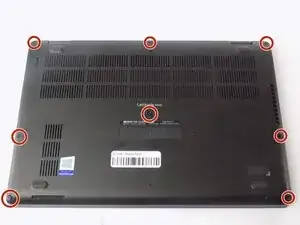
Loosen the eight captive screws that secure the lower case using a Phillips #1 screwdriver.
-
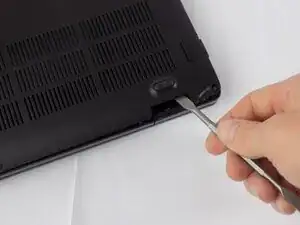
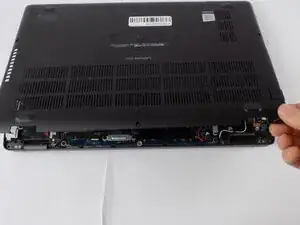
Use a spudger to pry the back panel away from the laptop.
-
-
-
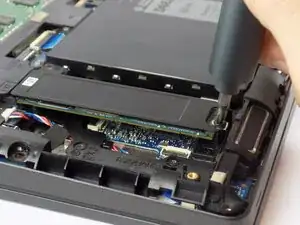
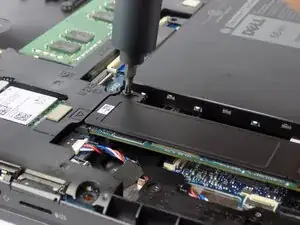
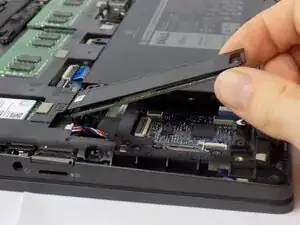
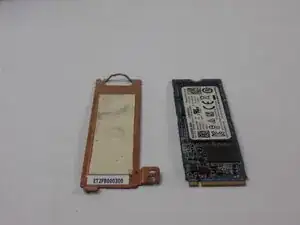
Push up on the drive to put it at an angle, then remove it by gently pulling the drive outward at that angle.
-
Conclusão
To reassemble your device, follow these instructions in reverse order.
