Introdução
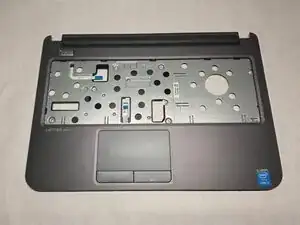
If your Dell Latitude 3440 touchpad is not working properly, for example, it is unresponsive to taps and clicks, use this guide to replace the touchpad.
The touchpad is the primary method of cursor control; a faulty touchpad will result in the inability to move between tabs and select items freely.


-
-
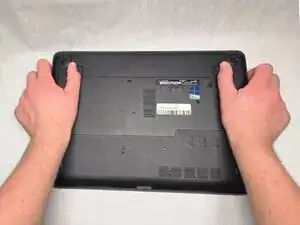
Slide the battery latches outwards in opposite directions.
-
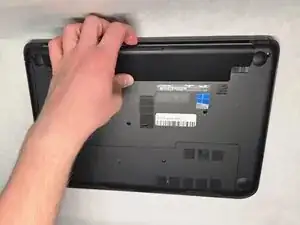
Remove the battery from the device.
-
-
-
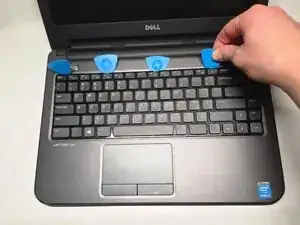
Lift the keyboard to gain access to the ribbon cable underneath.
-
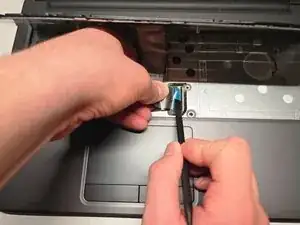
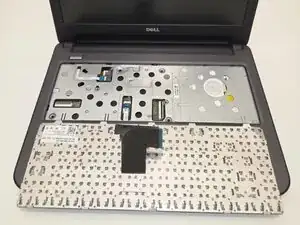
Disconnect the keyboard cable from the system board and lift it to remove it from the computer.
-
-
-
Flip the device over and open the lid.
-
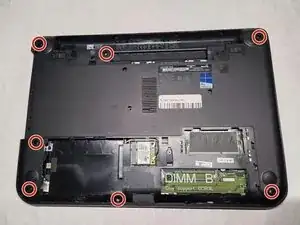
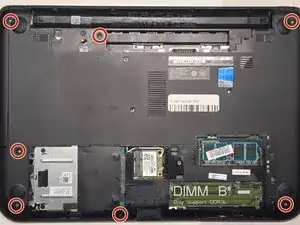
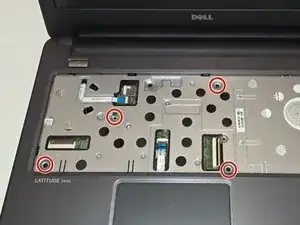
Remove the five 4mm screws that connect the palmrest to the system board using a Phillips #1 screwdriver.
-
-
-
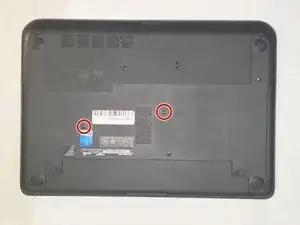
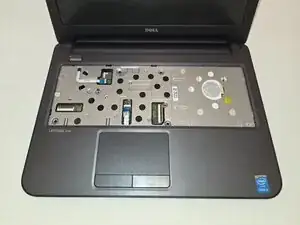
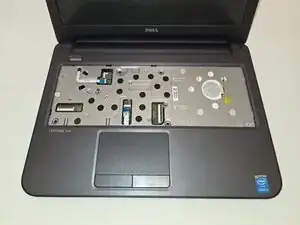
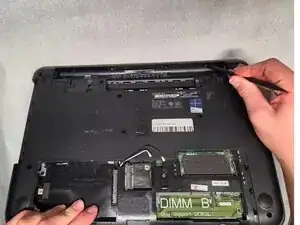
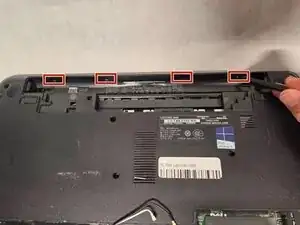
Flip the device again, and press on the hooks inside the battery bay to disconnect the palmrest.
-
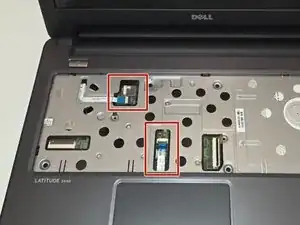
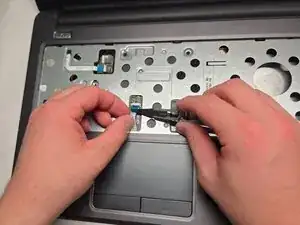
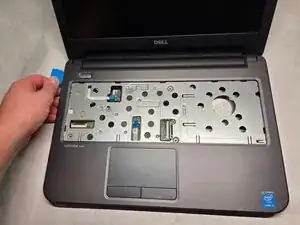
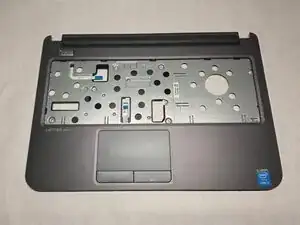
To reassemble your device, follow these instructions in reverse order.