Introdução
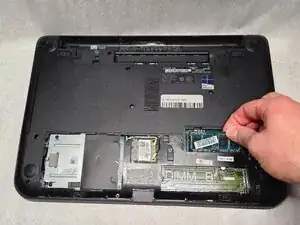
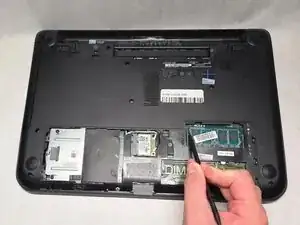
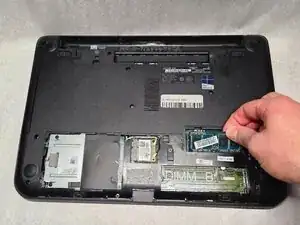
If your Dell Latitude 3440 RAM is not working properly e.g., the device being slow or experiencing crashes due to insufficient memory, use this guide to replace the RAM.
The primary function of a RAM is to enable fast multitasking and program loading; a faulty RAM will result in frequent crashes or restarts.
Ferramentas

-
-
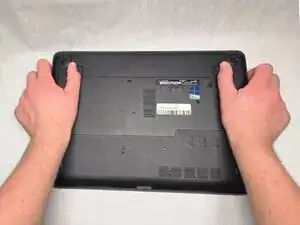
Slide the battery latches outwards in opposite directions.
-
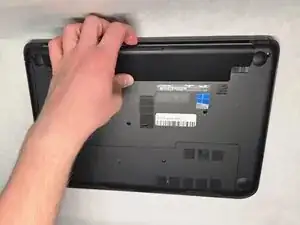
Remove the battery from the device.
-
-
-
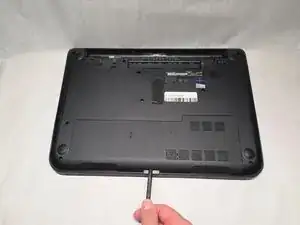
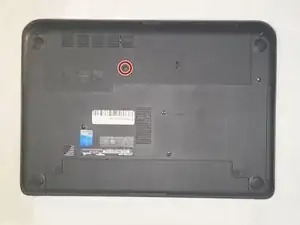
Remove the single 4.7mm screw from the access panel using a Phillips #1 screwdriver.
-
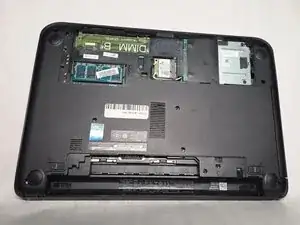
Remove the panel.
-
Conclusão
To reassemble your device, follow these instructions in reverse order.