Introdução
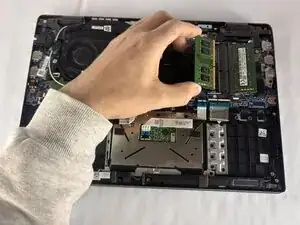
If your Dell Latitude 3420 is running slow, freezing during multitasking, or struggling to open programs, you may need to upgrade or replace the RAM. The RAM modules control how much data your laptop can handle at once. When they begin to get old or are too small for what you need, the performance drops fast. This repair involves removing the bottom cover, releasing the existing RAM from its slot, and installing a new module. Make sure the new RAM is seated firmly before closing the laptop again.


-
-
Close the laptop lid and set the laptop down with the lower case facing you.
-
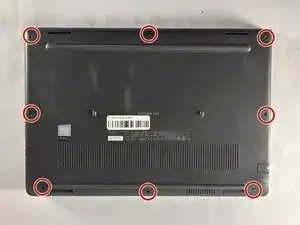
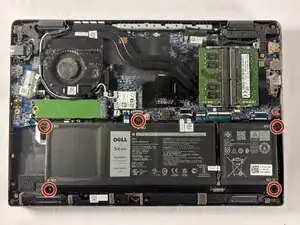
Use a Phillips #00 screwdriver to remove the seven 7 mm-long screws securing the lower case.
-
-
-
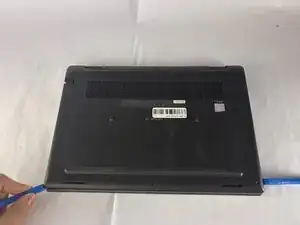
Insert an opening tool into the seam between the lower case and chassis.
-
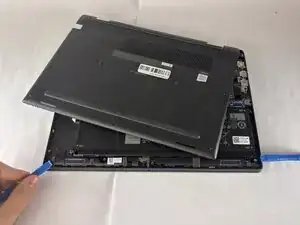
Pry around the entire perimeter until the lower case fully releases.
-
Remove the lower case.
-
-
-
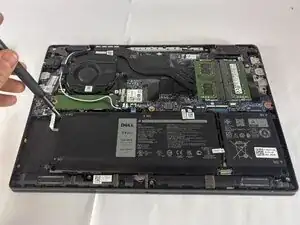
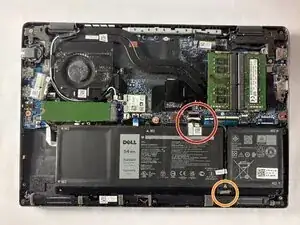
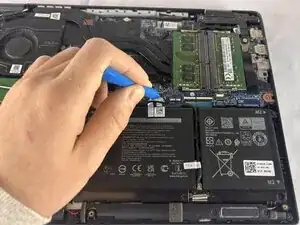
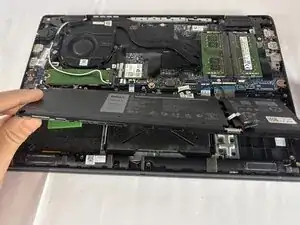
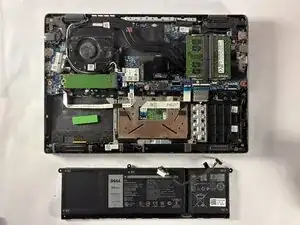
Use an opening tool to gently push the battery connector directly out of its motherboard socket.
-
Disconnect the second cable by pushing the connector toward the battery as well.
-
-
-
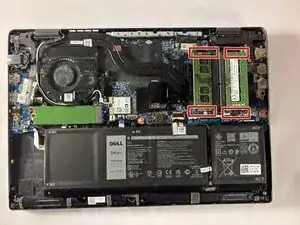
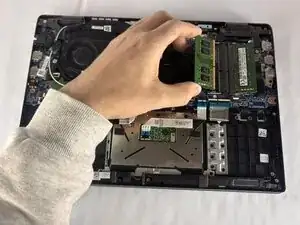
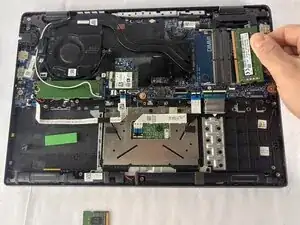
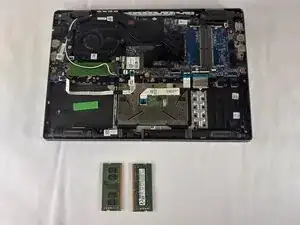
Two clips secure each RAM module in place, one on each side. Using your fingers, spread the clips away from the RAM module.
-
To reassemble your device, follow the above steps in reverse order.
Take your e-waste to an R2 or e-Stewards certified recycler.
Repair didn’t go as planned? Try some basic troubleshooting or ask our Answers community for help.
