Introdução
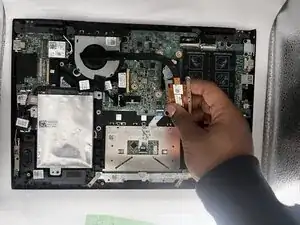
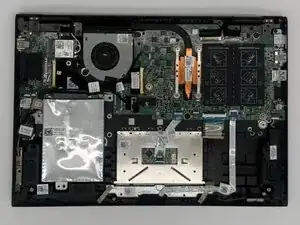
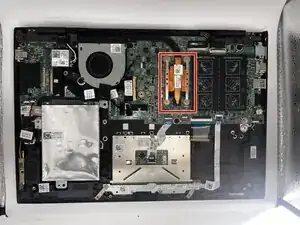
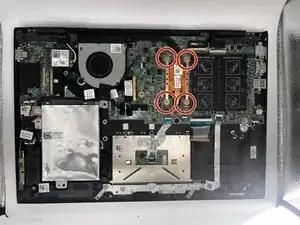
The heatsink is responsible for drawing heat away from the CPU to keep the laptop running at a safe temperature. Over time, dust buildup, dried thermal paste, or a bent heatsink can cause the system to overheat, throttle performance, or shut down unexpectedly. Replacing the heatsink restores proper cooling and prevents long-term damage to internal components.
Ferramentas


-
-
Flip the laptop over so that the bottom side is facing up. Place it on a soft, static free surface to prevent damage.
-
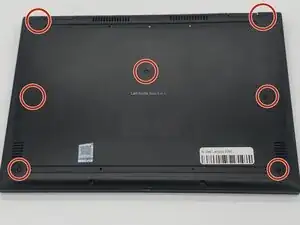
Use a Phillips #0 screwdriver to carefully remove all seven 7 mm-long screws securing the back cover.
-
-
-
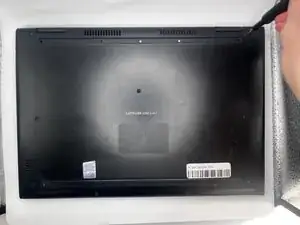
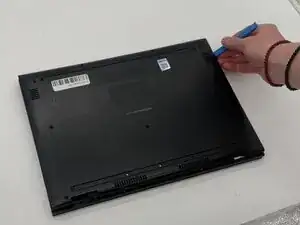
Insert an opening tool into the seam between the back cover and chassis.
-
Pry around the perimeter of the back cover until it fully releases.
-
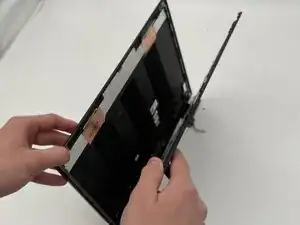
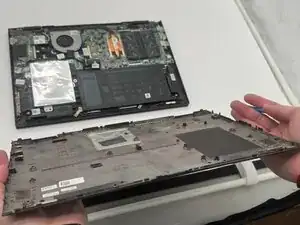
Lift off the back cover slowly and set it aside.
-
-
-
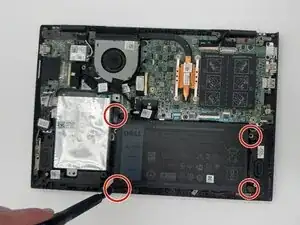
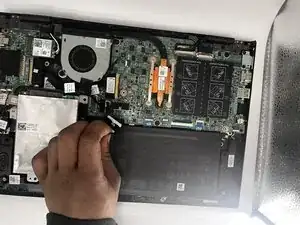
Disconnect the battery from the motherboard by gently pulling the connector straight out of its socket.
-
-
-
Carefully lift out the old battery from its compartment, ensuring that no cables or connectors are pulled or damaged.
-
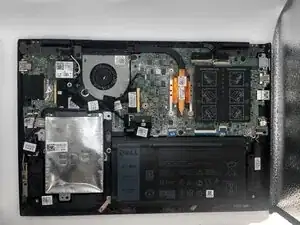
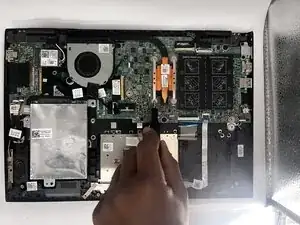
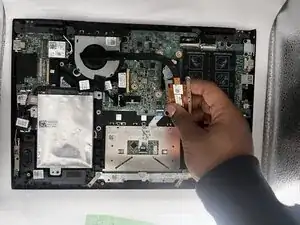
To reassemble your device, follow the above steps in reverse order.
Take your e-waste to an R2 or e-Stewards certified recycler.
Repair didn’t go as planned? Try some basic troubleshooting or ask our Answers community for help.