Introdução
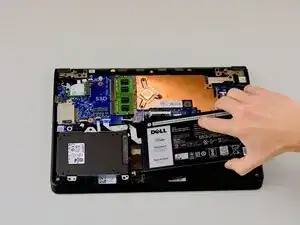
If your Dell Latitude 3150 no longer holds a charge or shuts down unexpectedly, it might be time to replace the battery. The battery is one of the most frequently used components, and problems with it can affect the device's performance. Replacing it yourself is a cost-effective solution and can be done quickly with the right tools and careful handling.
Ferramentas


-
-
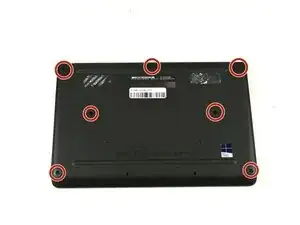
Remove the seven 5 mm screws using a Phillips #1 screwdriver.
-
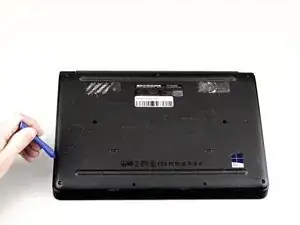
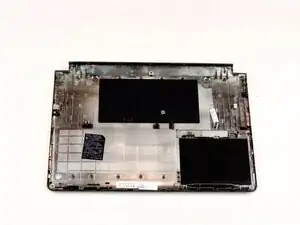
Pry the back open with a plastic opening tool, working around the edges until all the retaining clips are disengaged.
-
-
-
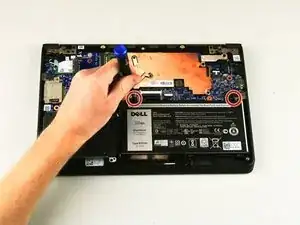
Remove the two Phillips 3 mm screws connected to the battery using a Phillips #1 screwdriver.
-
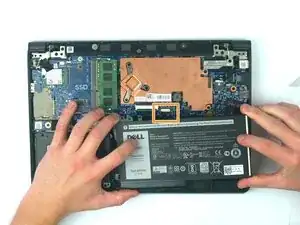
Carefully lift the battery and unplug the battery cable from the device.
-
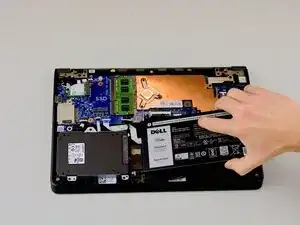
Remove the battery from the laptop.
-
To reassemble your device, follow these instructions in reverse order.
