Introdução
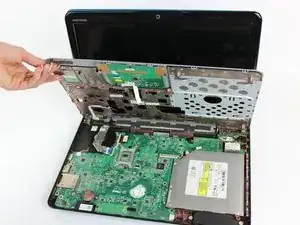
Most internal components of the Dell Inspiron N4010 are located beneath the palm rest. This guide shows how to remove and replace the palm rest assembly, which is often required to access internal parts.
Removing the palm rest provides access to key components, but exposing internal hardware also increases the risk of damage. Before starting, confirm that the part you need to access is located beneath the palm rest.


-
-
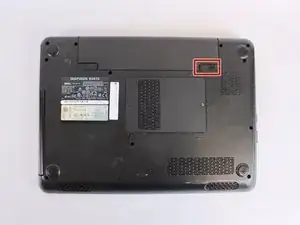
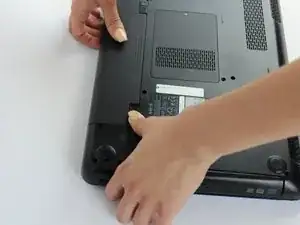
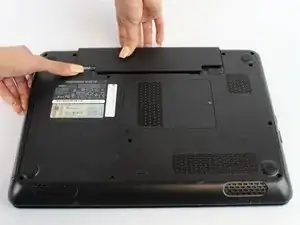
While holding the left-hand switch to the left position, pull the battery away from the laptop.
-
-
-
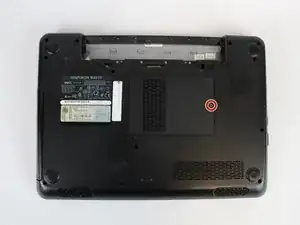
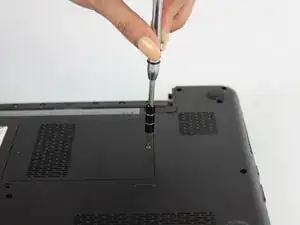
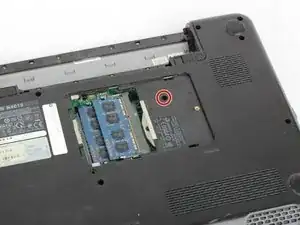
Using the #0 Philips head, unscrew the indicated screw.
-
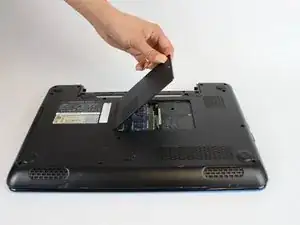
Carefully pull the RAM cover up and away.
-
-
-
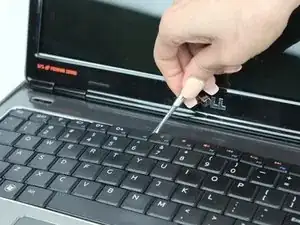
Using a thin plastic tool (such as a guitar pick or spudger) at the top of the keyboard just above the F7 key, gently pry the keyboard away.
-
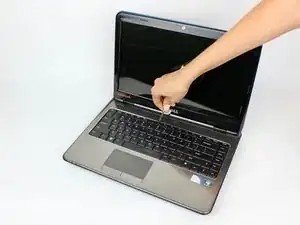
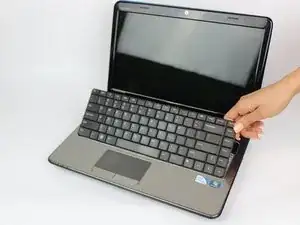
Move the spudger to either end at the top of the keyboard to fully undo all plastic clips.
-
-
-
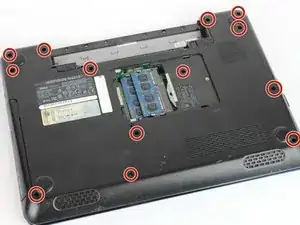
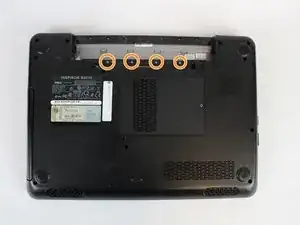
Remove the indicated 5.7mm screws.
-
Remove the smaller 3mm screws from underneath the battery compartment.
-
-
-
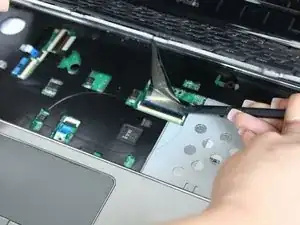
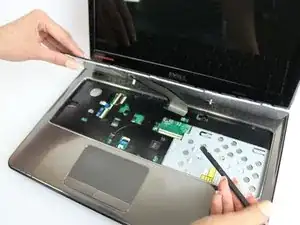
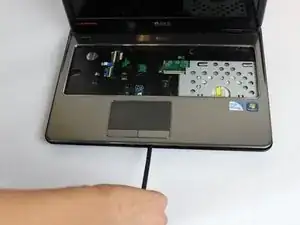
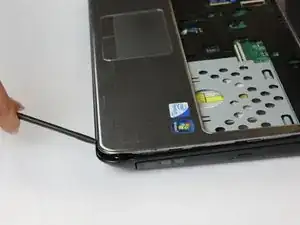
With a plastic spudger, pry away the silver top cover from the black casing.
-
Move the tool to the right and left along the seams to fully disconnect the cover.
-
-
-
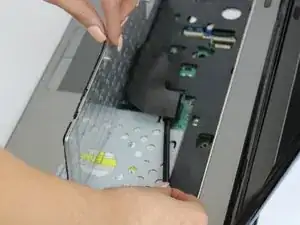
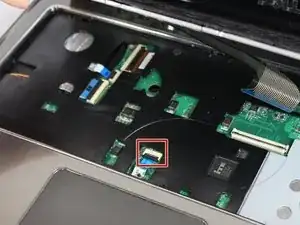
Lift the cover upwards and away from the body of the laptop, after removing the optical drive and unscrewing the three screws on the right.
-
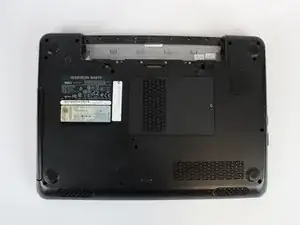
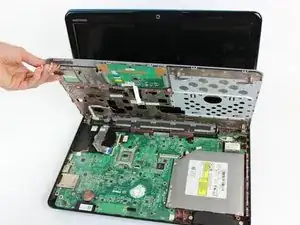
To reassemble your device, follow these instructions in reverse order.
