Introdução

  1. ZIOLylcN6yQCRnN4
    ZIOLylcN6yQCRnN4
    SC2NBNls6fTQxZrT
    gEqHGBUsZlOWfZbK
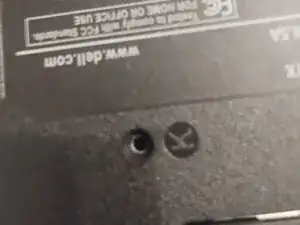
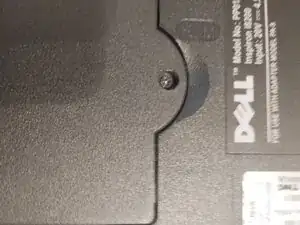
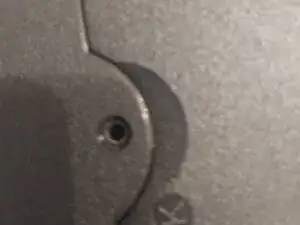
    • Remove all screws with the letter 'K' next to them

  2. iCkpGmLqgbbVllnO
    • Open the laptop and remove the keyboard, Simply pull it up through any key and then carefully pull the gray ribbon cable to disconnect the keyboard,NOT THE BLUE ONE,IT WILL BREAK IF YOU DO,(mine is missing from past mistakes)and now slide the keyboard to the right and carefully pull it out

  3. YWlP1bCyD3LTV3Xs
    YWlP1bCyD3LTV3Xs
    gLh5F4ZDgGeVdR2x
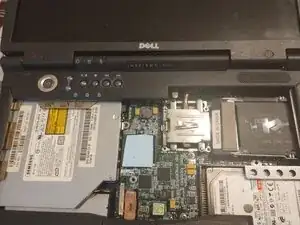
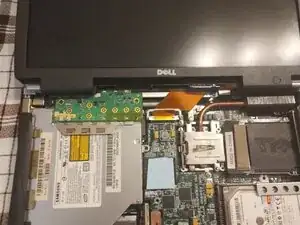
    • Remove the power button assembly cover by pulling up from the sides

  4. FMpVHw5GyOAKKTS3
    FMpVHw5GyOAKKTS3
    CTY6VUMk1fccIReZ
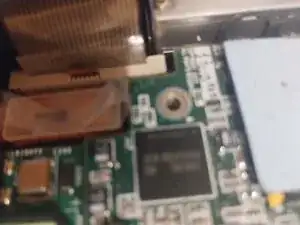
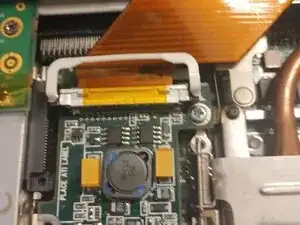
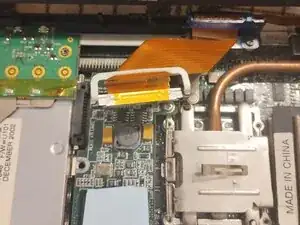
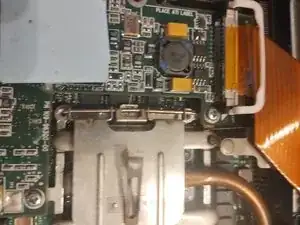
    • Now unplug the screen cable by pulling up on the white handle until it comes off

  5. jlRHiSgXahDUjcGQ
    jlRHiSgXahDUjcGQ
    adyD6NigjjSdmqCE
    21wMJkmZUjJTXoQr
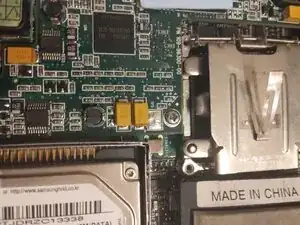
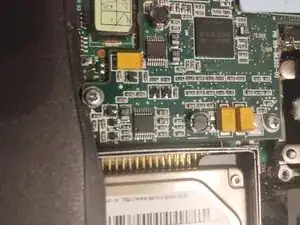
    • Now you need to remove the three screws

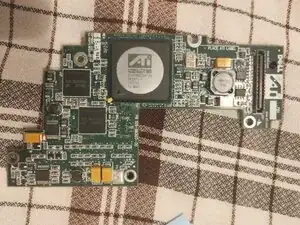
  6. U3IBCiSnlvE3oUkV
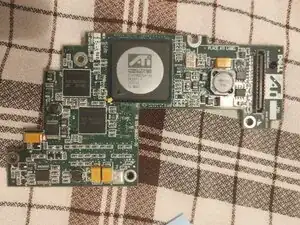
    • Pull out and set aside the graphics card

Conclusão

To reassemble your device, follow these instructions in reverse order.

Waterdragon

Membro desde: 12/01/25

483 Reputação

0 comentários