Introdução
Ferramentas


-
-
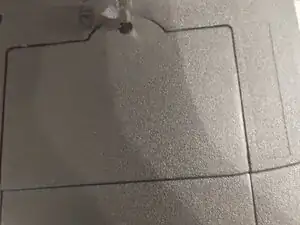
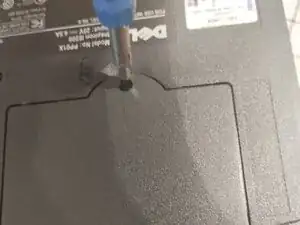
First,The K/M Screw needs to be removed, Then remove the lid by prying next to the screw hole WITH YOUR FINGERS OR A PLASTIC SPUDGER, as metal can and will damage the plastic
-
-
-
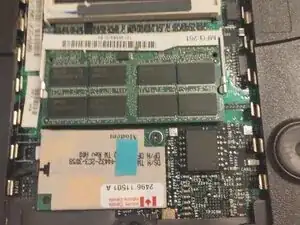
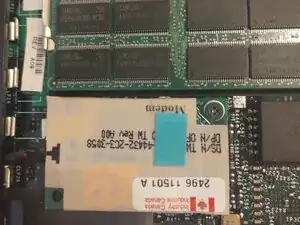
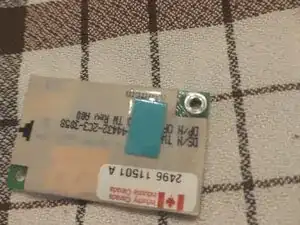
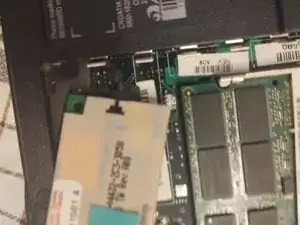
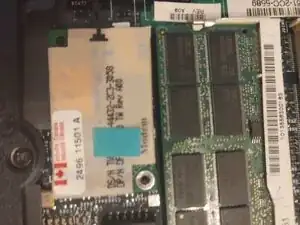
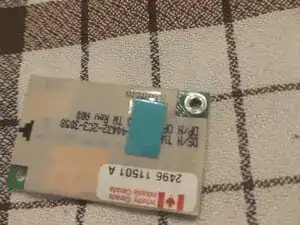
Now that the lid is removed remove the screw for the modem card,Then unplug the black cable by pulling then pull the card out
-
-
-
Connect the black cable and put in the new card aligned with the connector the same way as it was before and you're finished!
-
Also, don't forget the screw!
-
-
-
Now put the cover back on by pushing and make sure the lid is straight, Then Screw it in again
-