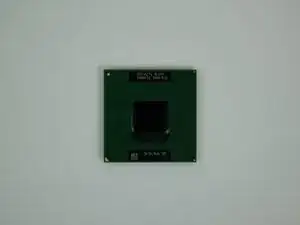
Introdução
Ferramentas

Peças

-
-
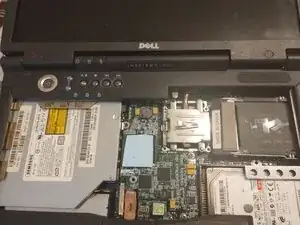
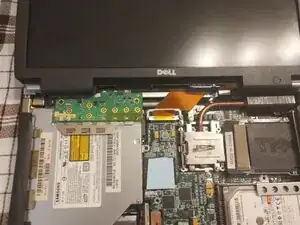
Open the laptop and remove the keyboard, Simply pull it up through any key and then carefully pull the gray ribbon cable to disconnect the keyboard,NOT THE BLUE ONE,IT WILL BREAK IF YOU DO,(mine is missing from past mistakes)and now slide the keyboard to the right and carefully pull it out
-
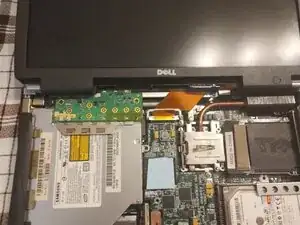
Now remove the power button assembly cover by pulling up on the sides and the middle
-
-
-
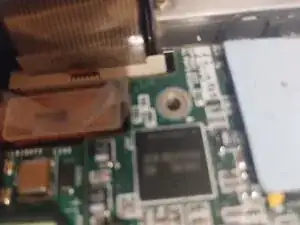
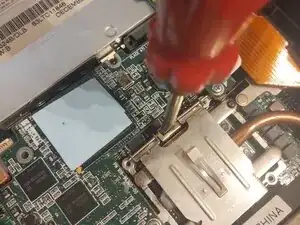
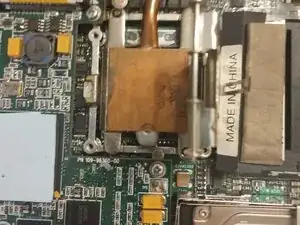
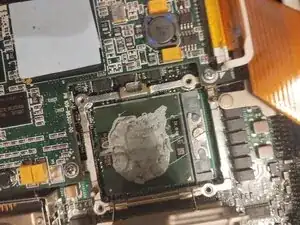
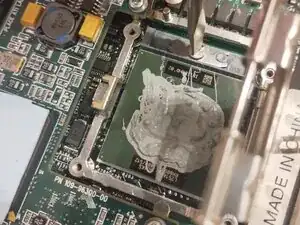
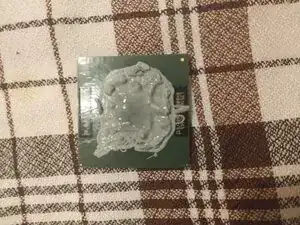
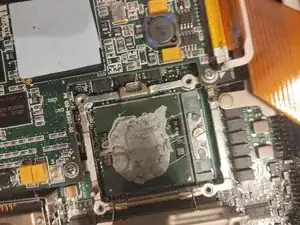
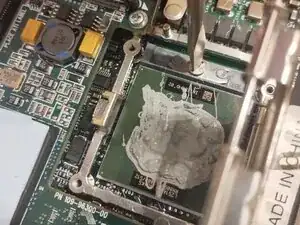
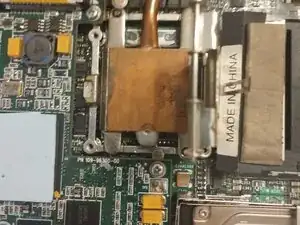
Now pry next to the heatsink, bending the metal bar until it opens, Then open it all the way and remove the heatsink by pulling upwards ,Now i modded mine to have thermal paste so yours will not have any, so do not worry
-
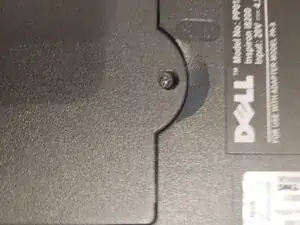
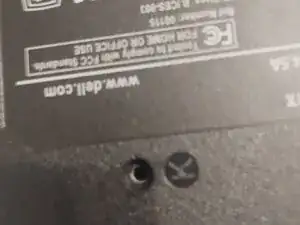
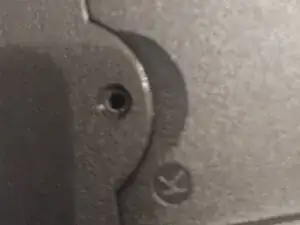
Conclusão
To reassemble your device, follow up to step 4 in reverse
