Introdução
Ferramentas

Peças

-
-
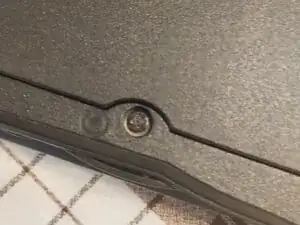
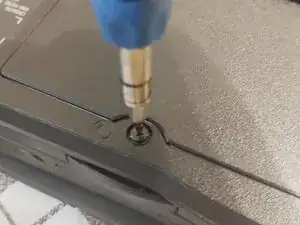
First, The Screw Marked 'C' Need to be Unscrewed and I cannot emphasize how important it is to use the right screwdriver, as the screw easily strips,So If You Think You Can Get Away with a Bigger Screwdriver,Nope.
-
It's also a captive screw so it stays in place
-
-
-
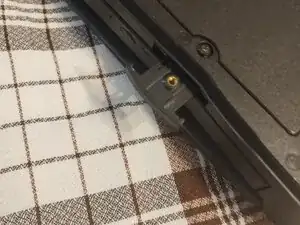
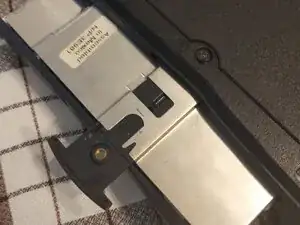
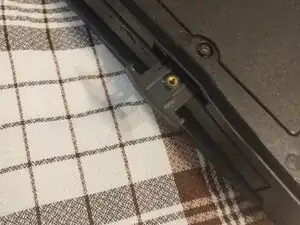
Now pull out the tab under the optical drive,now sometimes it will come out and if it does, Continue pulling until the drive comes out, if it doesn't do the same until it comes out
-
-
-
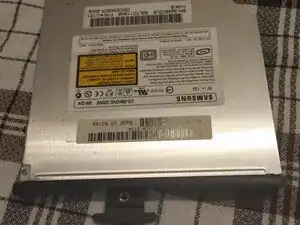
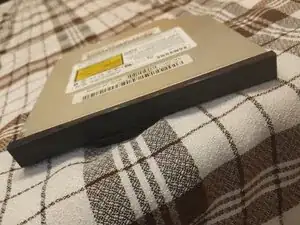
Now set the old drive aside and install the replacement, In my case the drive still works so I'll just put it back in but make sure the drive is in there and can't go in more,Then push in the tab if it's out
-
-
-
Now remember the 'C' screw, well now it needs to be screwed in, So screw it in again and now you're done!
-